Jolian
 June 28,2024
Learn how to use the proxy from Swiftproxy with ClonBrowser.
1. Purchase Swiftproxy Proxies
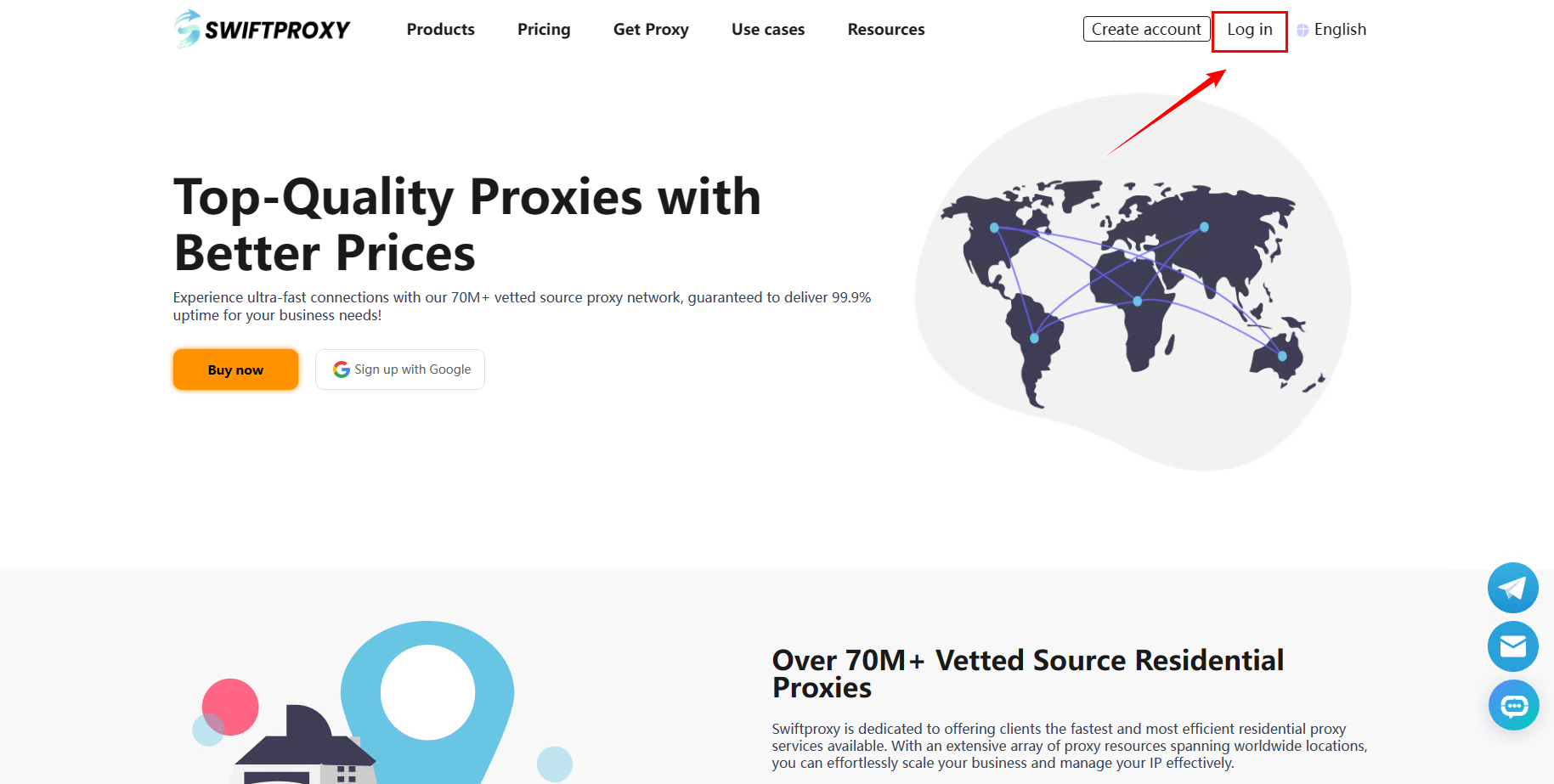
Open the Swiftproxy website (https://www.swiftproxy.net), log in to your account and click [Purchase].
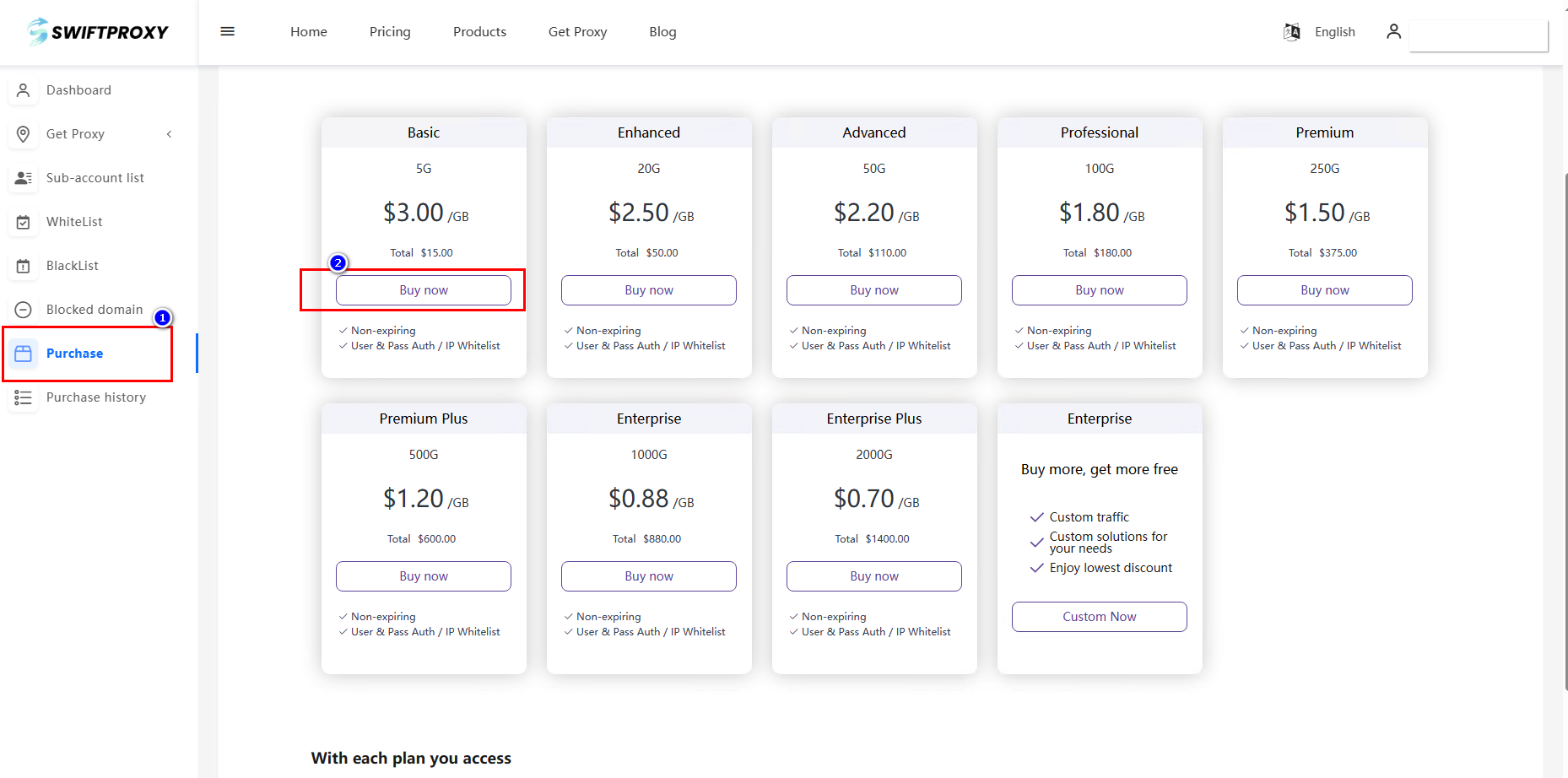
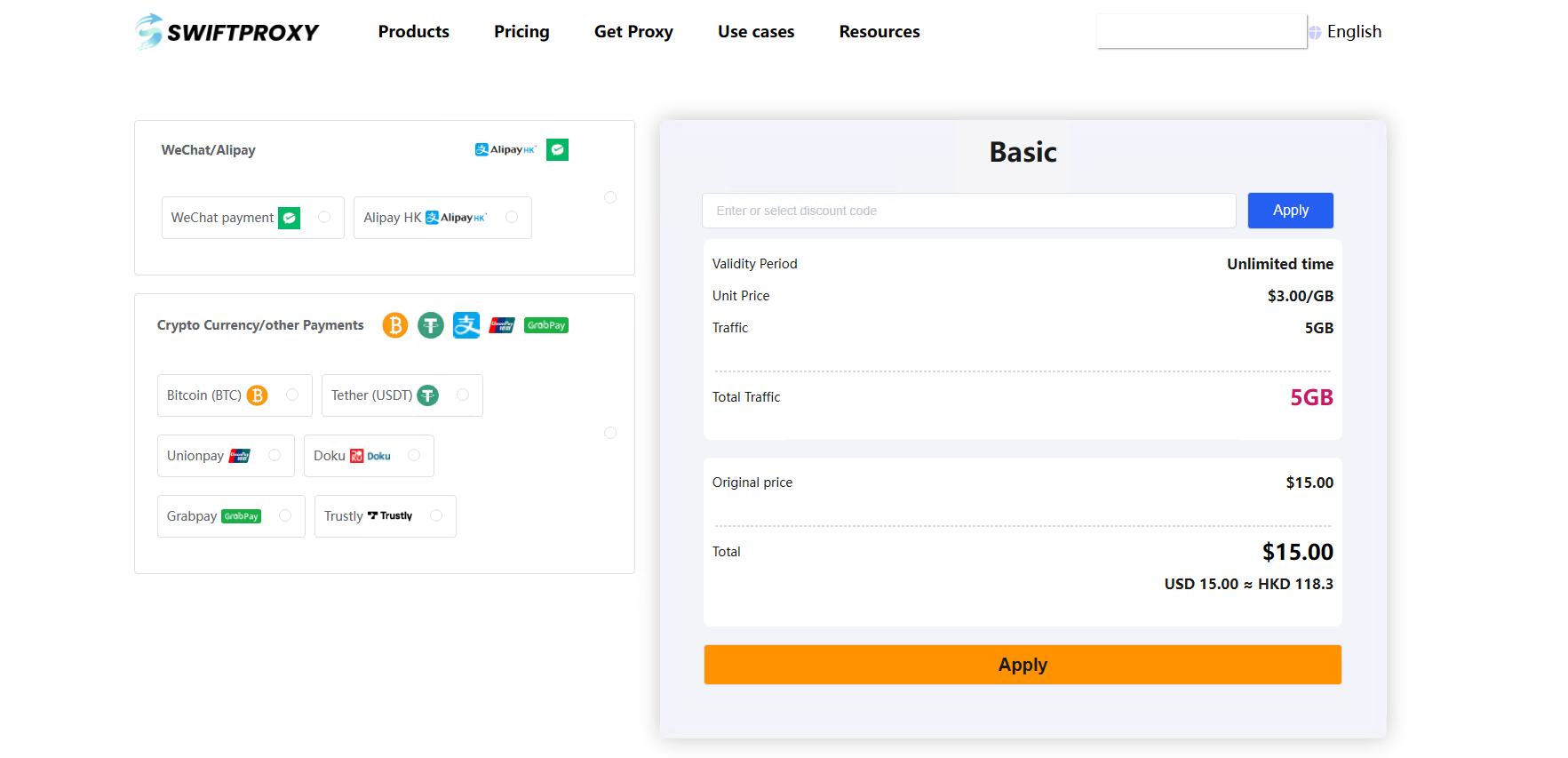
Choose the agent according to your situation, choose the payment method and buy the agent.
 2.Open ClonBrowser
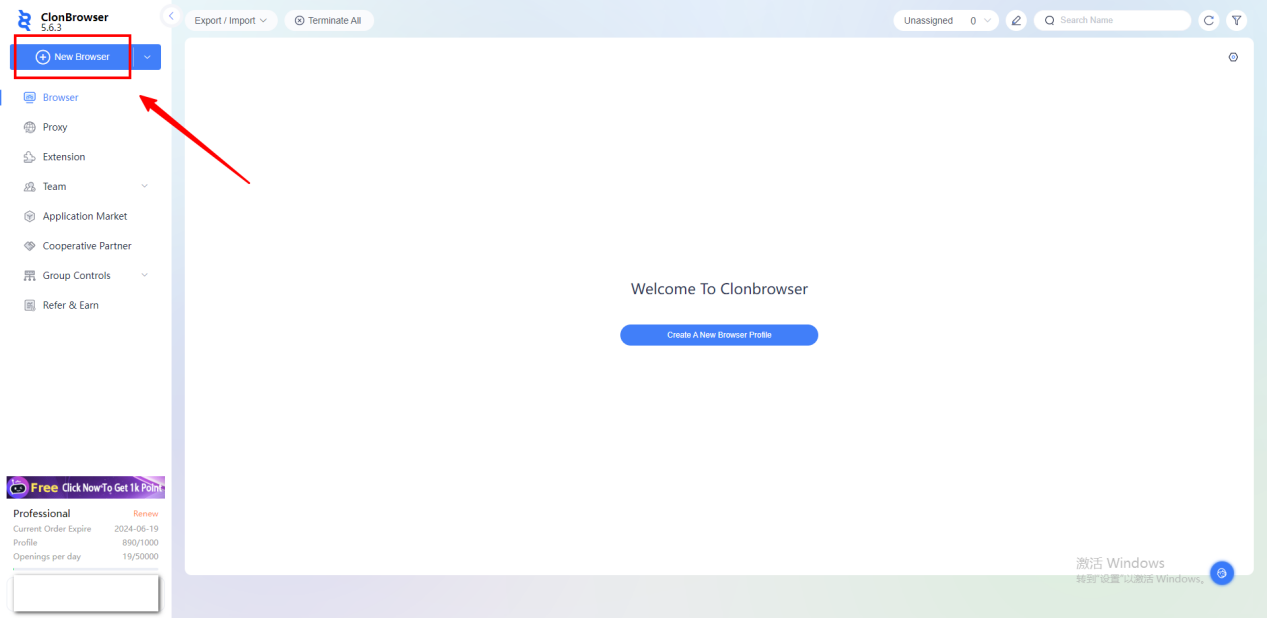
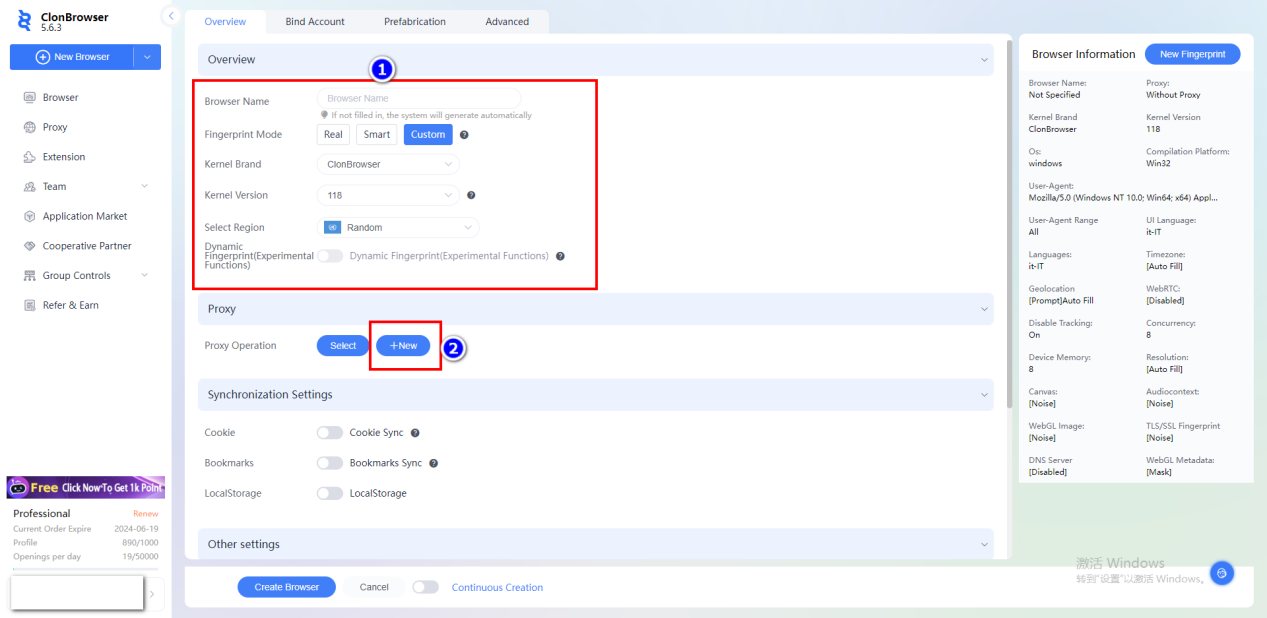
click [New Browser].
Enter the name, select the country and region, click [New] and select the proxy type.
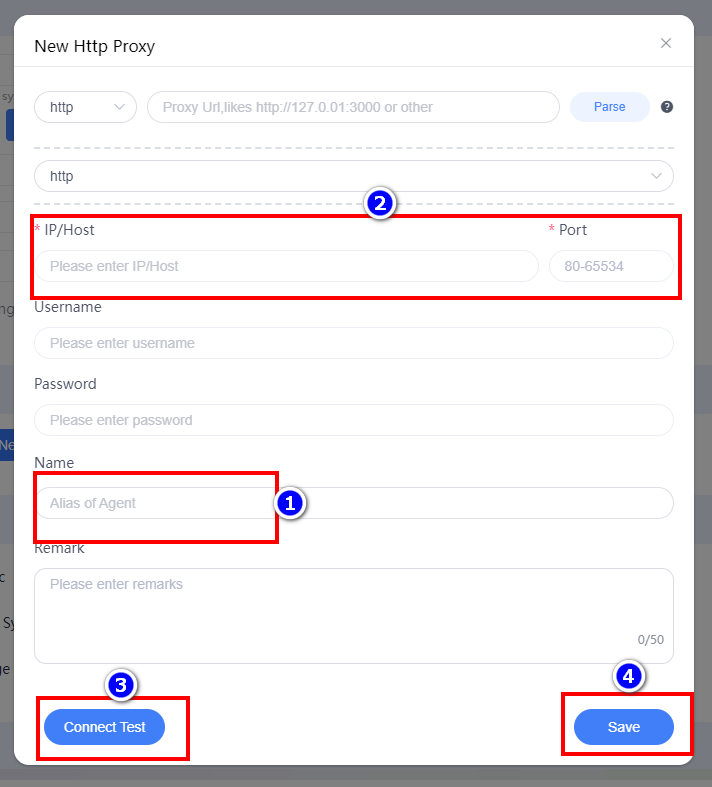
Edit the proxy name, then paste the proxy IP and port to fill in, click [Connect Test], and click [Save] when finished.
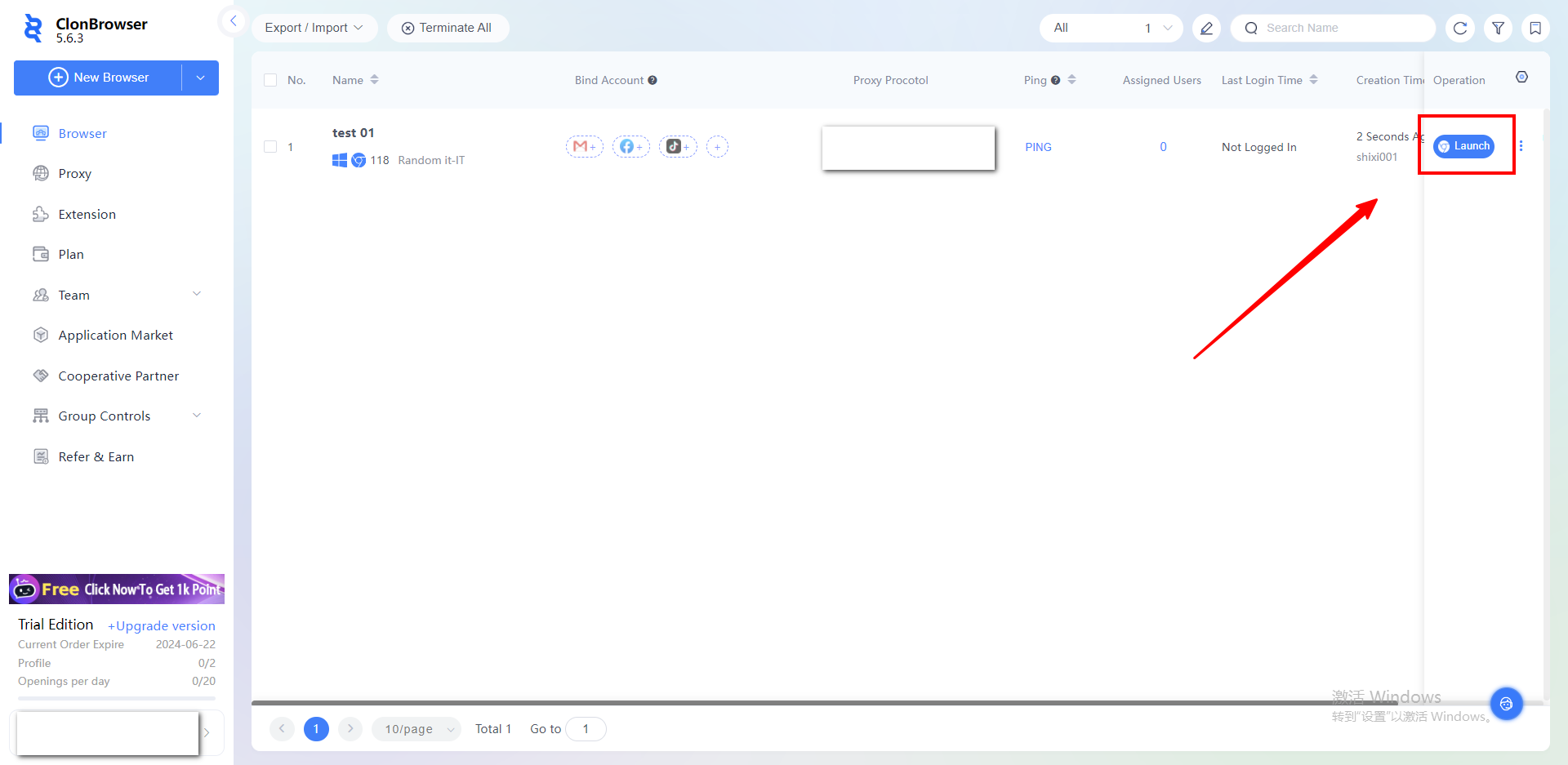
After the configuration is created, click [Launch] to use it.



.jpg)