


 Jolian
 June 14, 2024
Learn how to use the proxy from 9proxy with ClonBrowser.
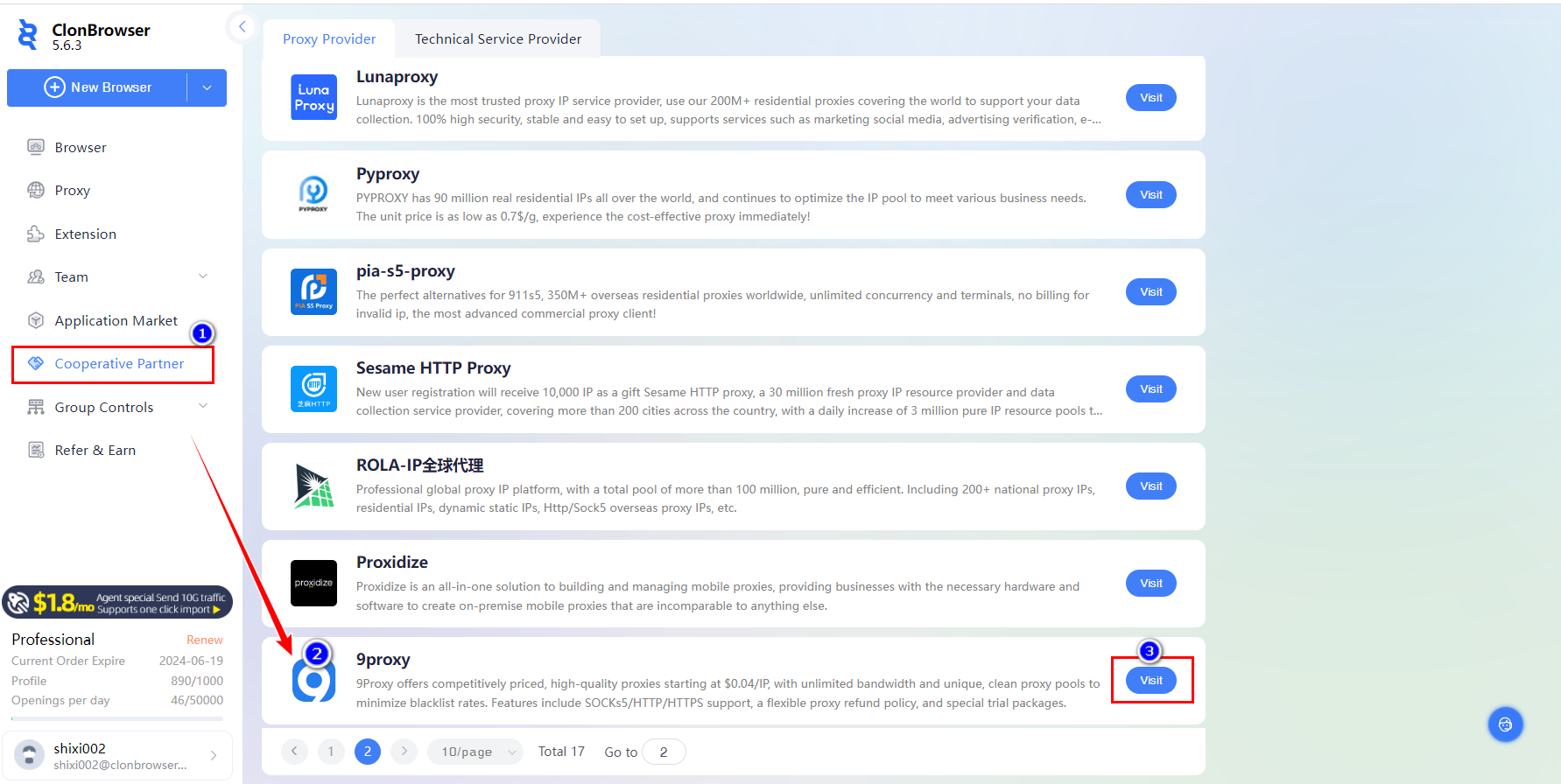
1.Open the ClonBrowser client,Click[Cooperative Partner],Find the official website of 9proxy,click [Visit].
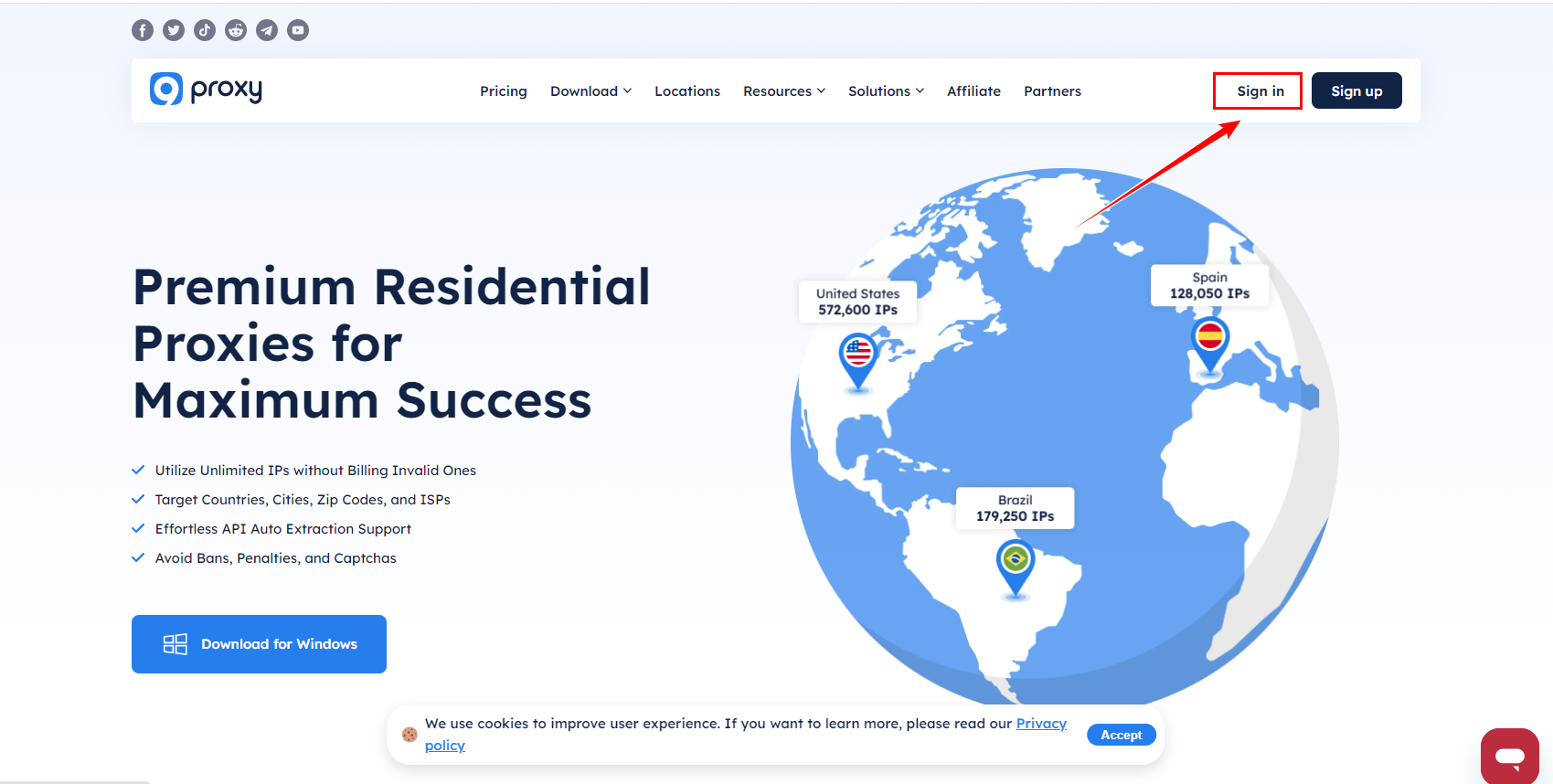
2.Go to the 9proxy official website (https://9proxy.com), Log in to your account.
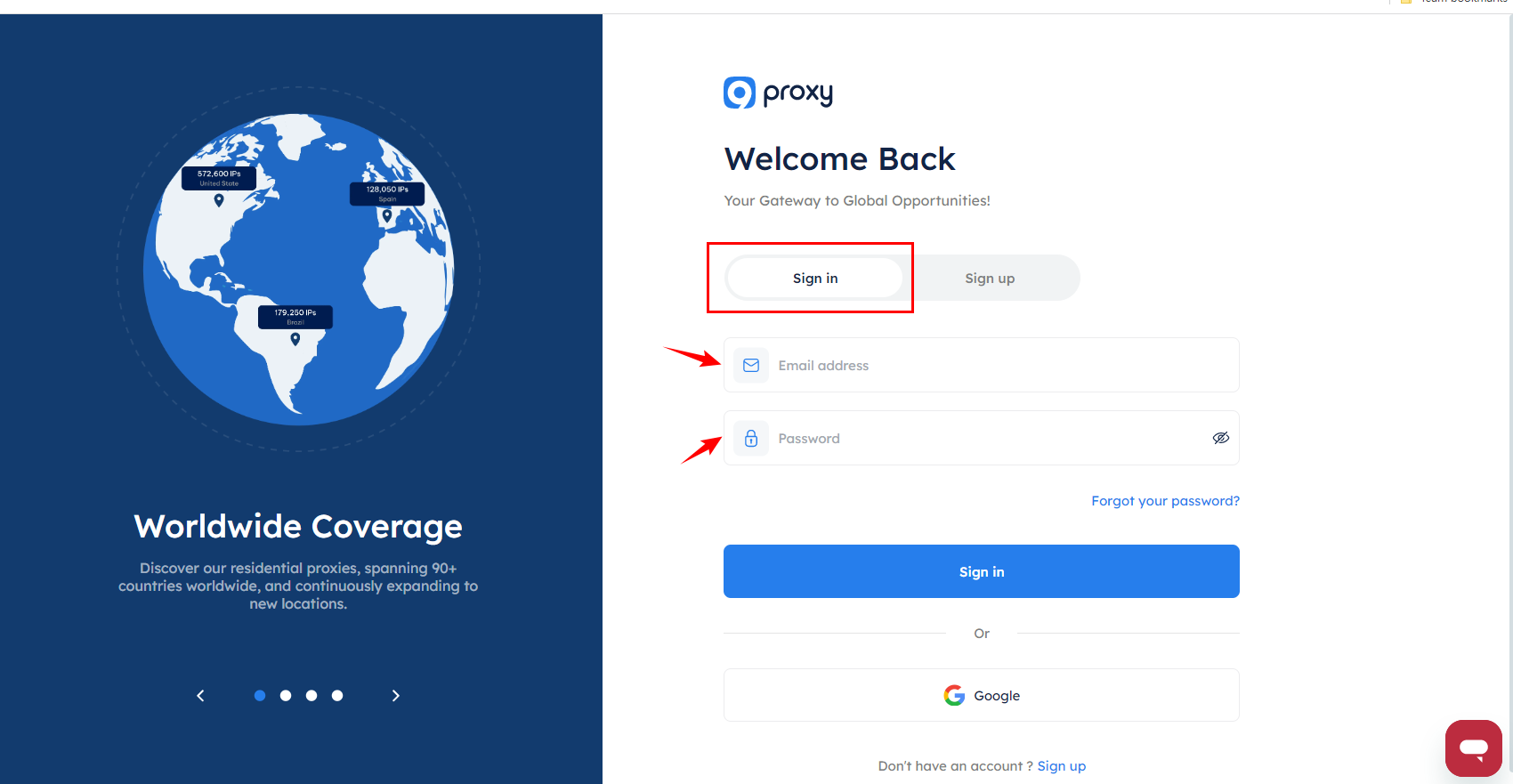
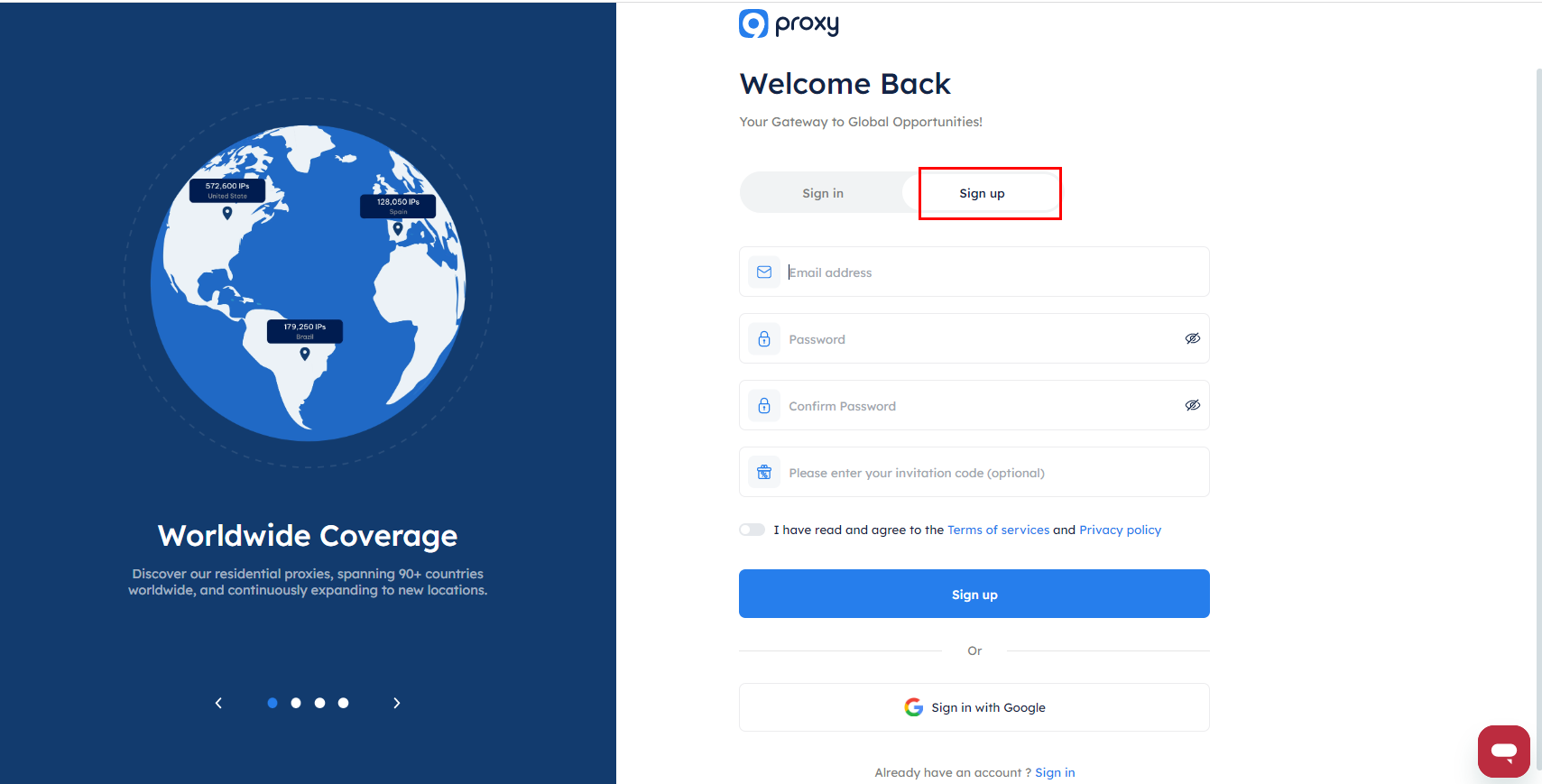
If you don’t have an account, please register first.
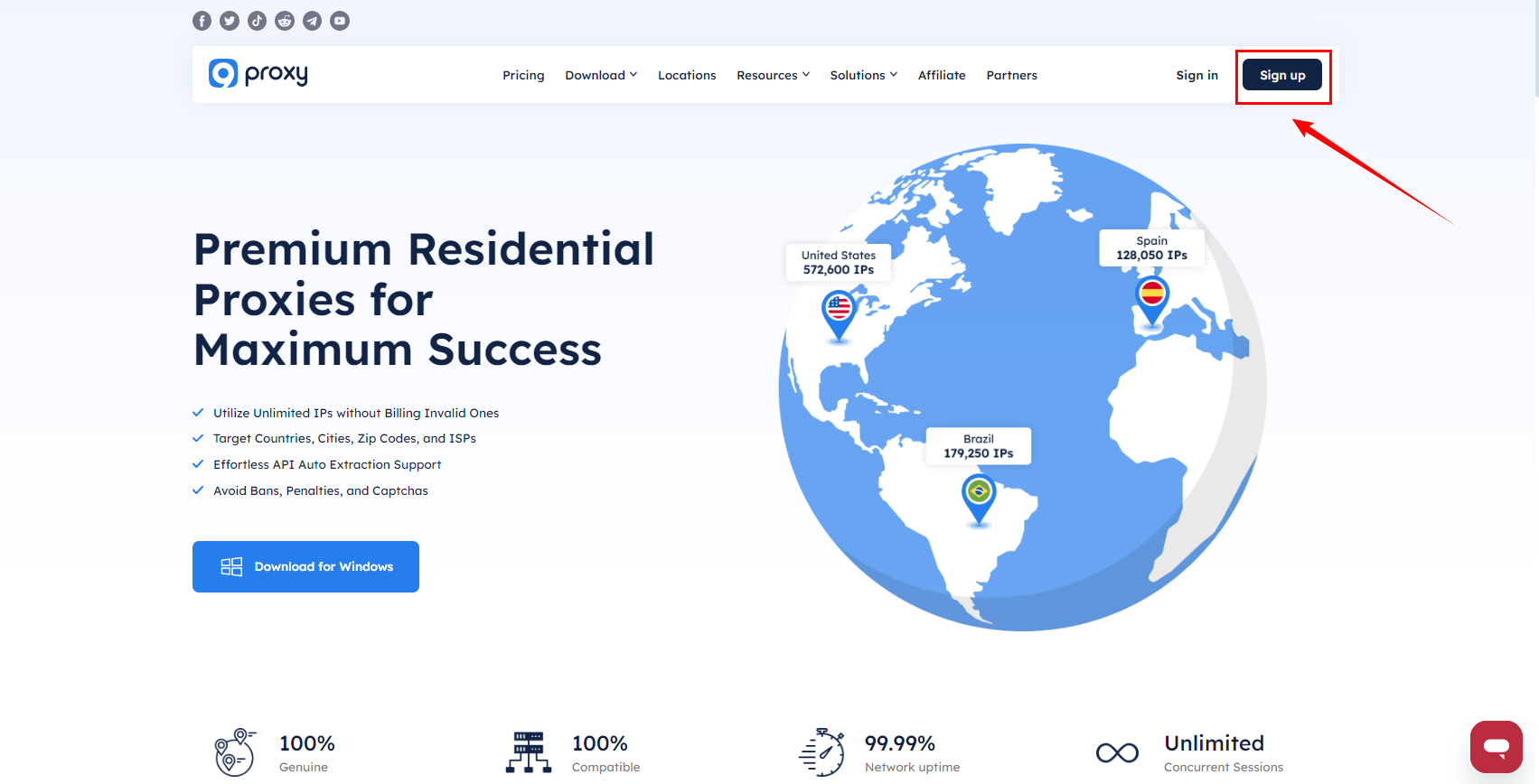
Or ①Enter your email address ②Enter your password ③Confirm password ④Please enter your invitation code(optional).
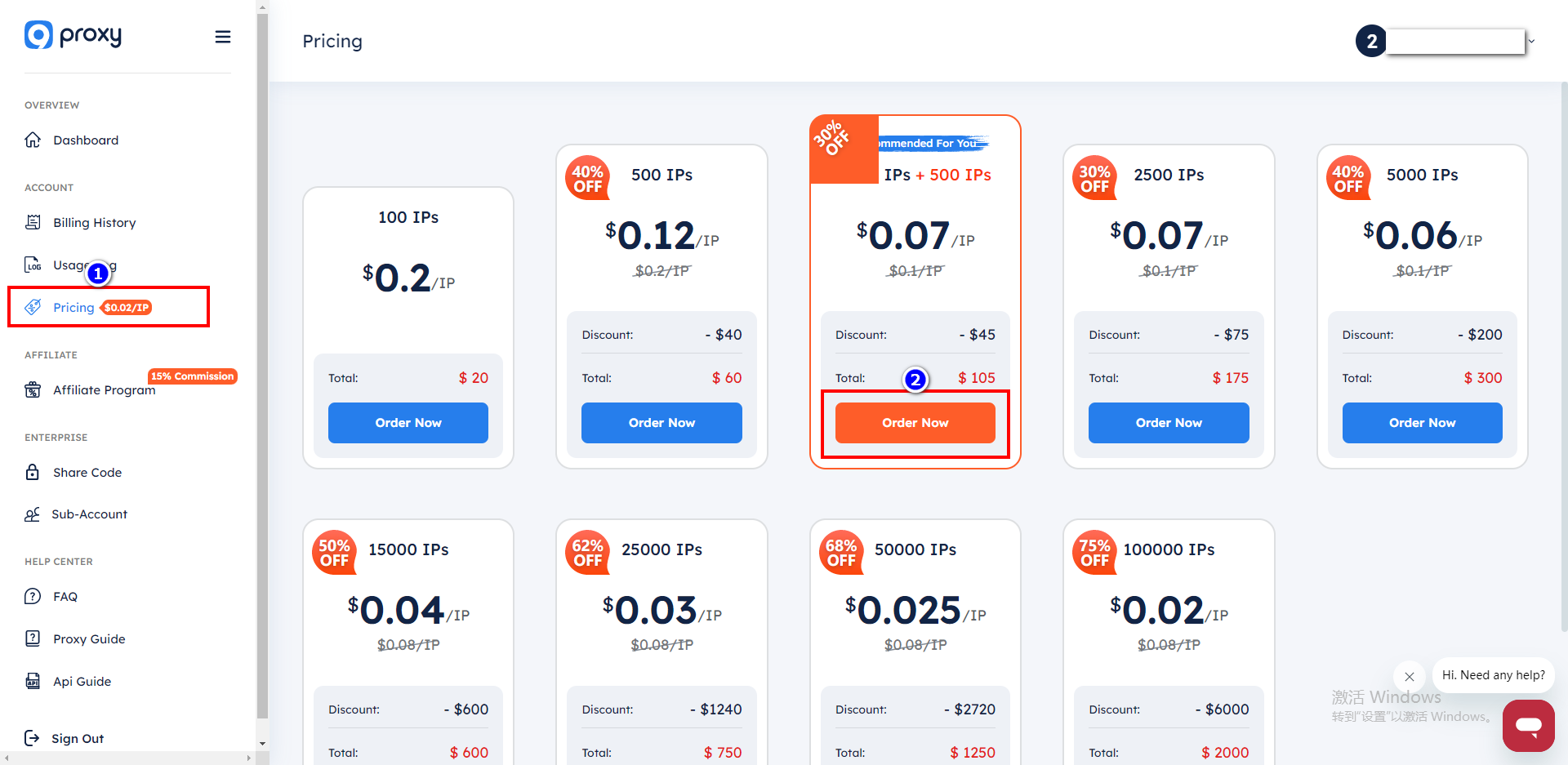
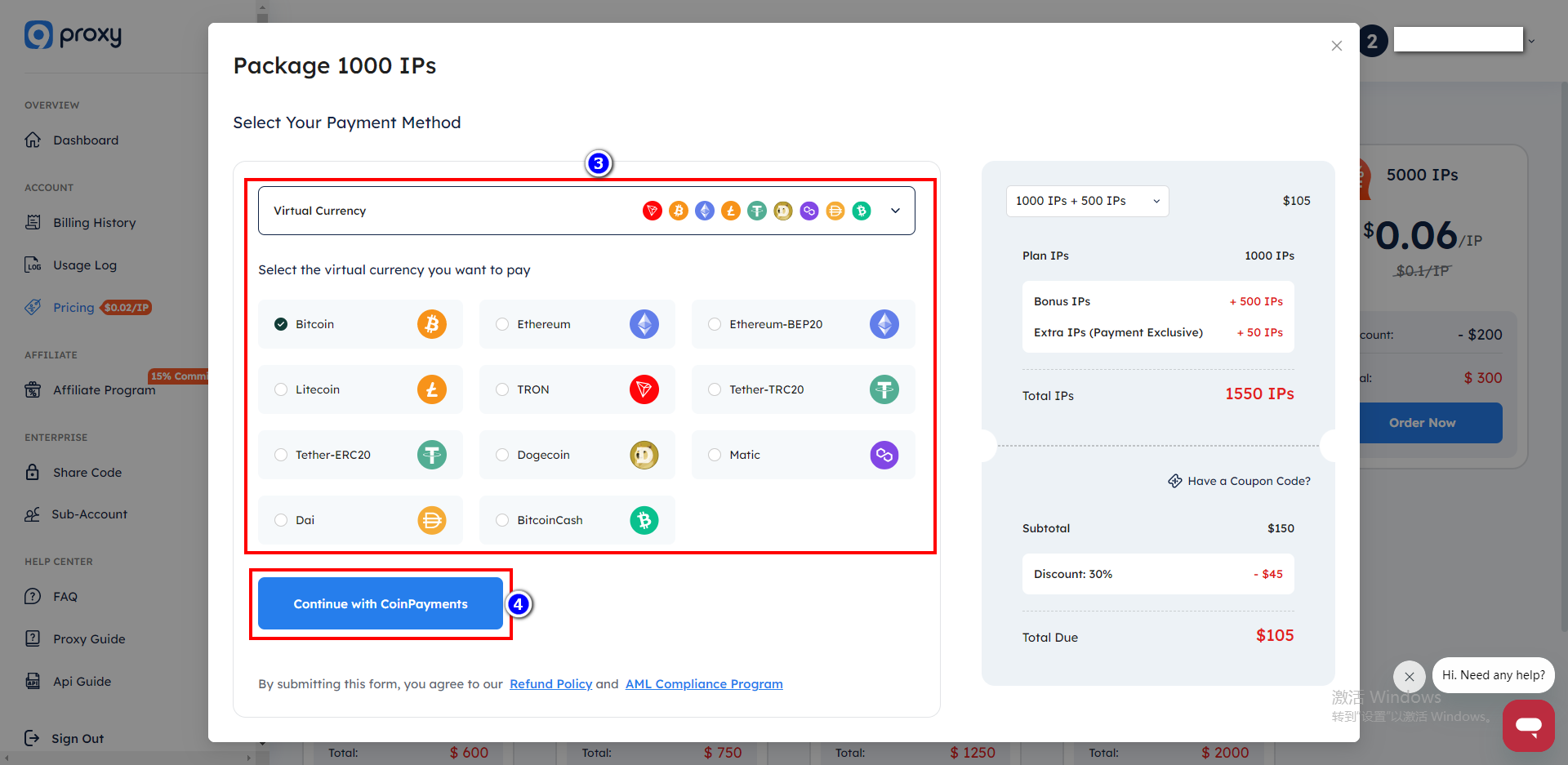
3.Click on [Pricing], choose the appropriate agent to purchase.
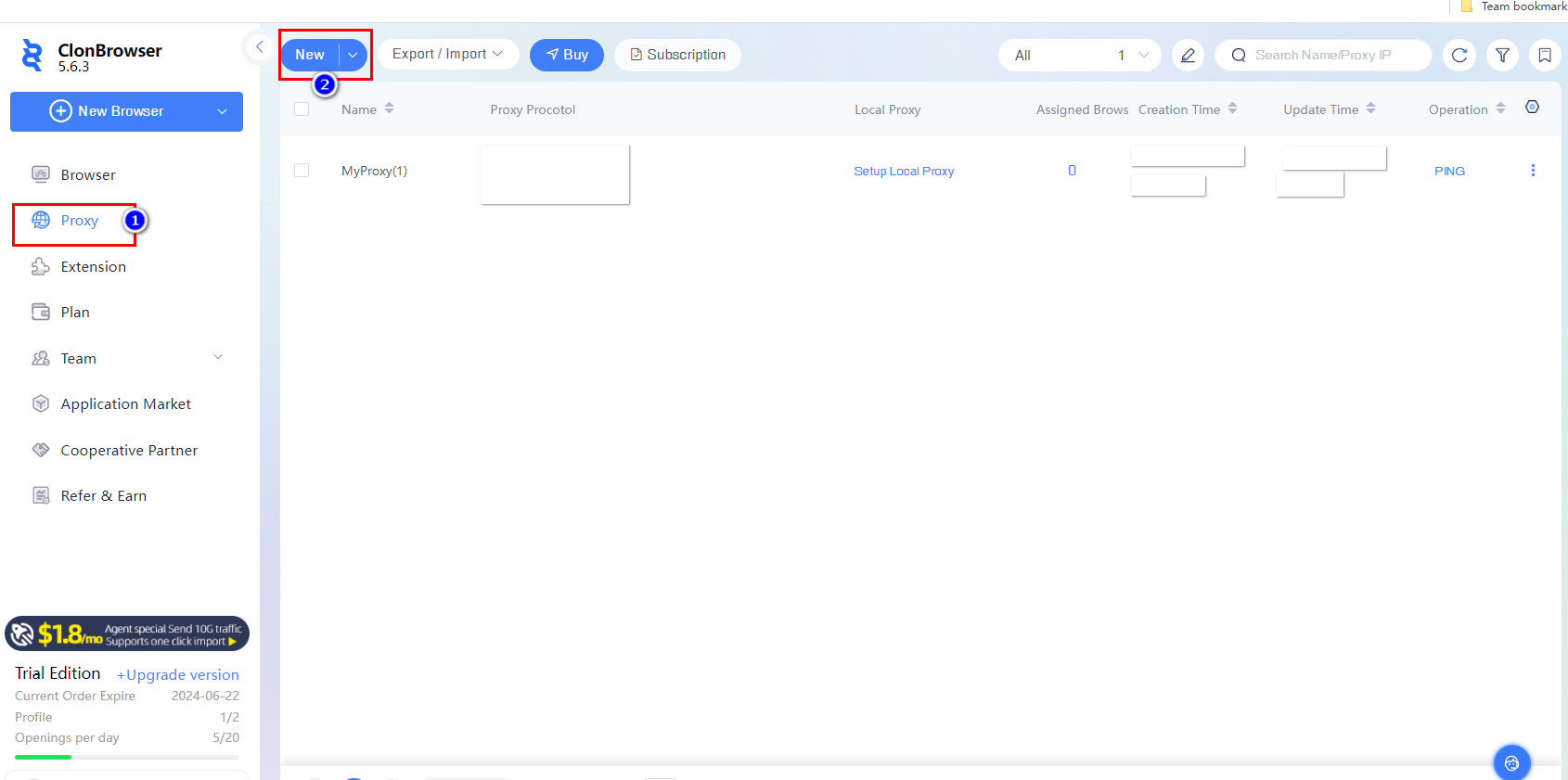
4.Go back to ClonBrowser,click [proxy] and click [New],Paste the proxy information as required.
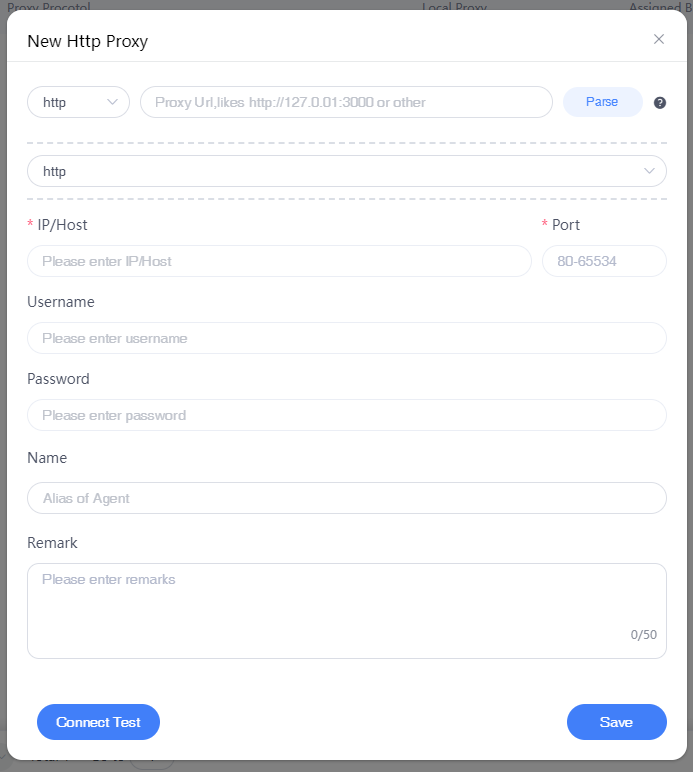
Test if the connection is successful, [Save] to start using your proxy!