


 Jolian
 May 20, 2024
Learn how to use the proxy from Goproxy with ClonBrowser.
1.Purchase Goproxy Proxies
Go to the Goproxy official website (https://www.goproxy.com), register an account. 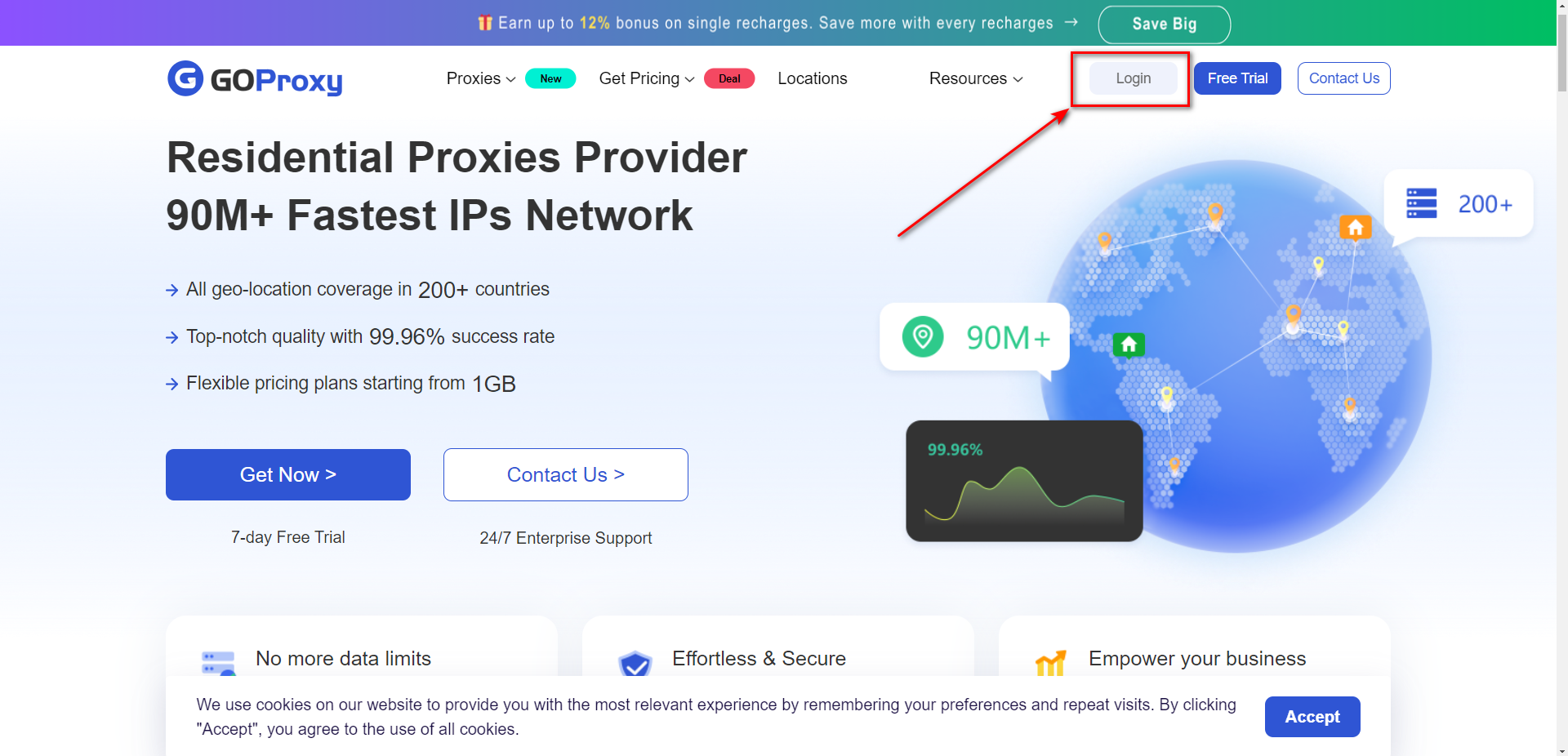
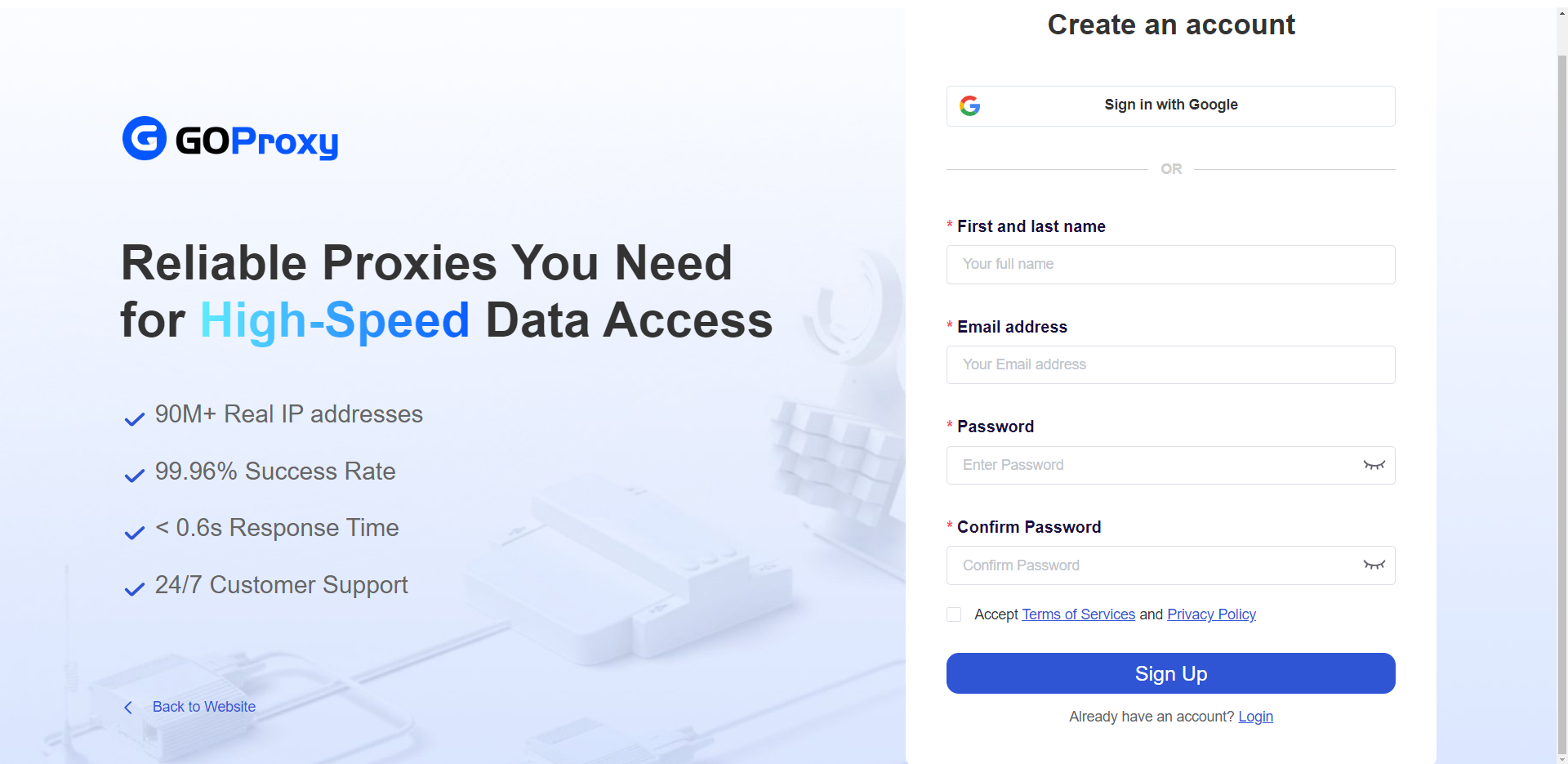
You can choose to register directly with google
Or ①Enter your last name ②Enter your email address ③Enter your password
Log in and go to the Dashboard.
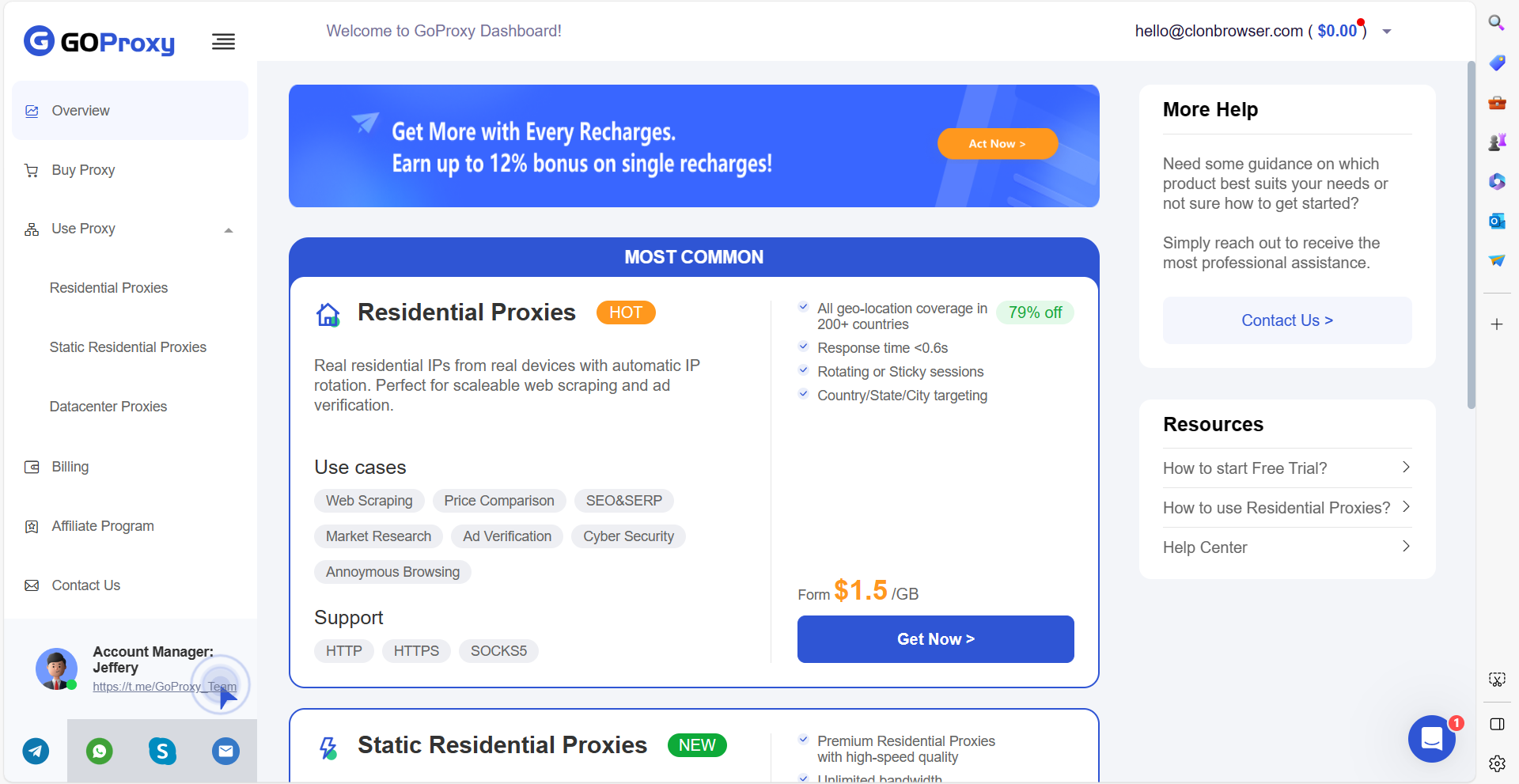
Choose the type of proxies you need. There are more detailed package options on the [Buy proxy] page to purchase the desired proxy.
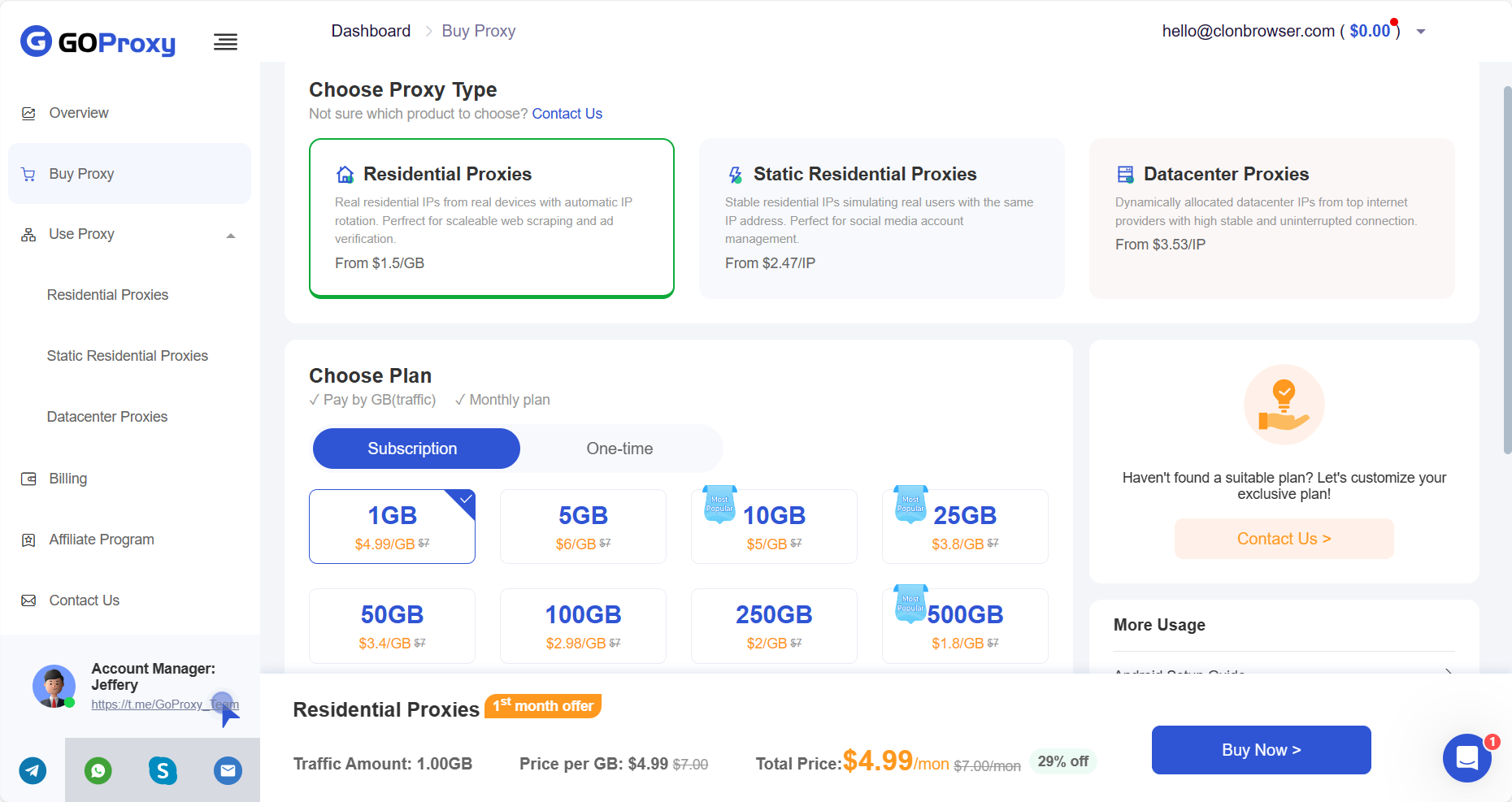
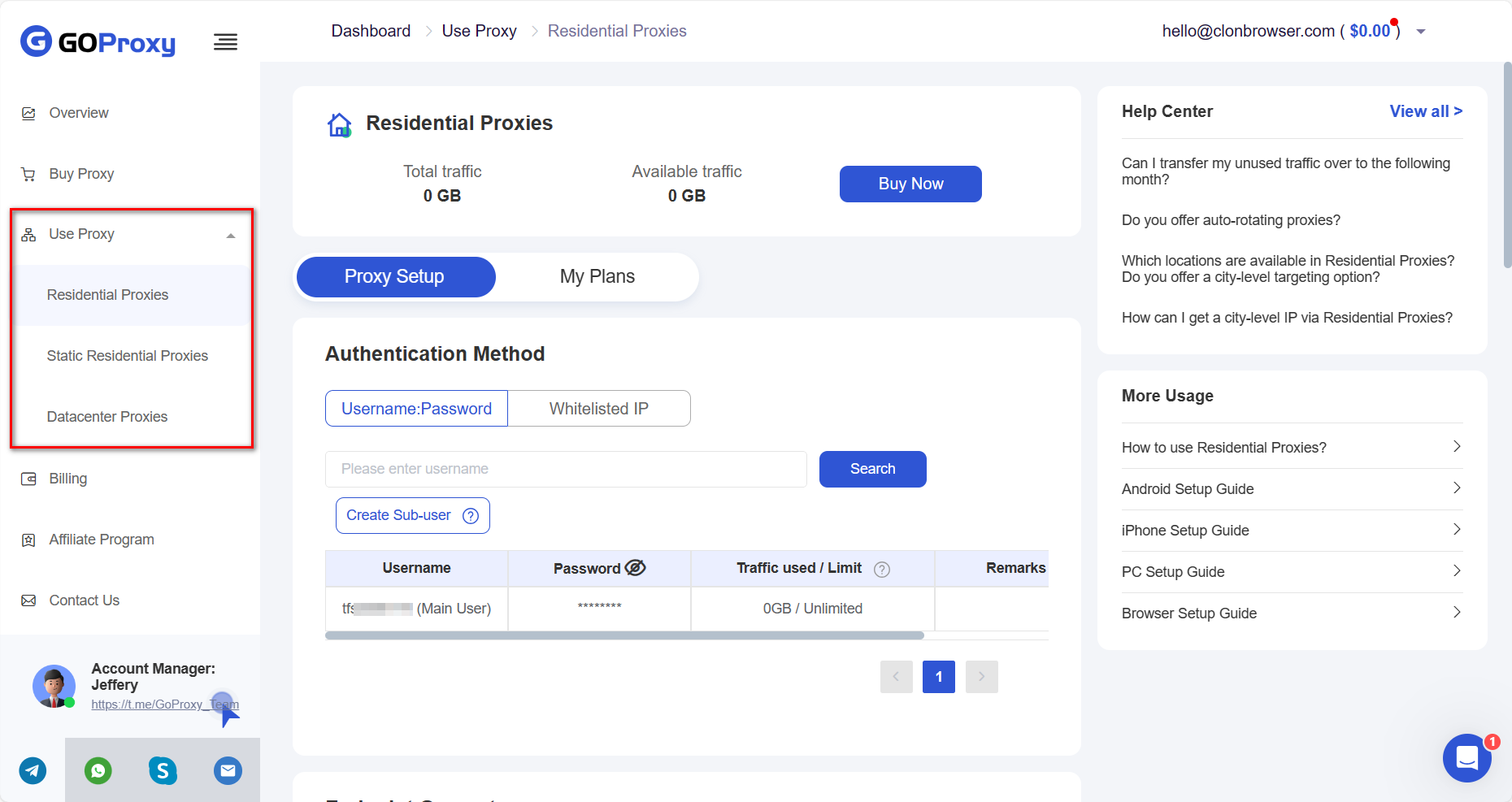
Get the proxy information. Copy the generated proxy host, port, login and password on the [Use proxy] page.
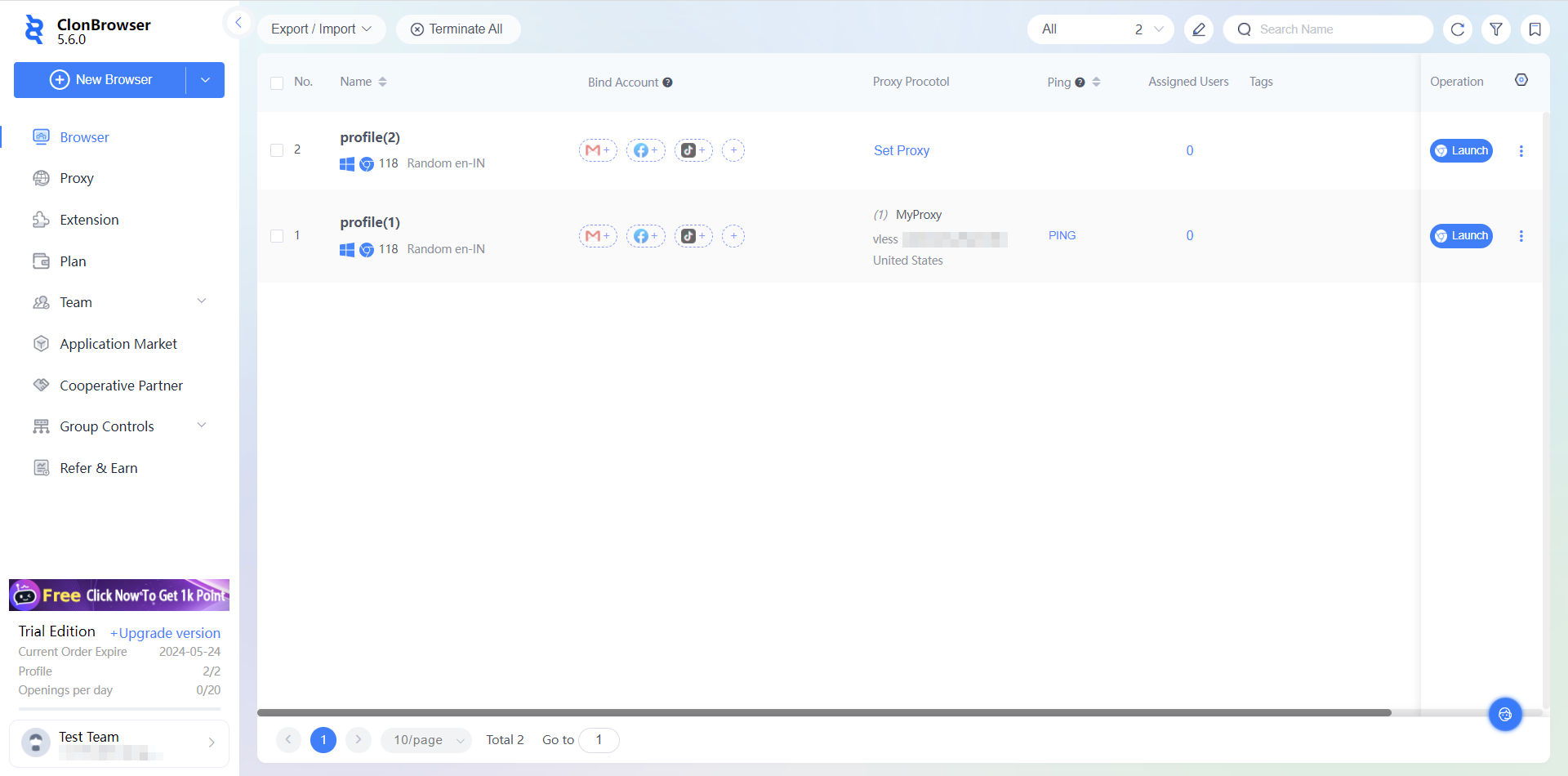
2.Open ClonBrowser
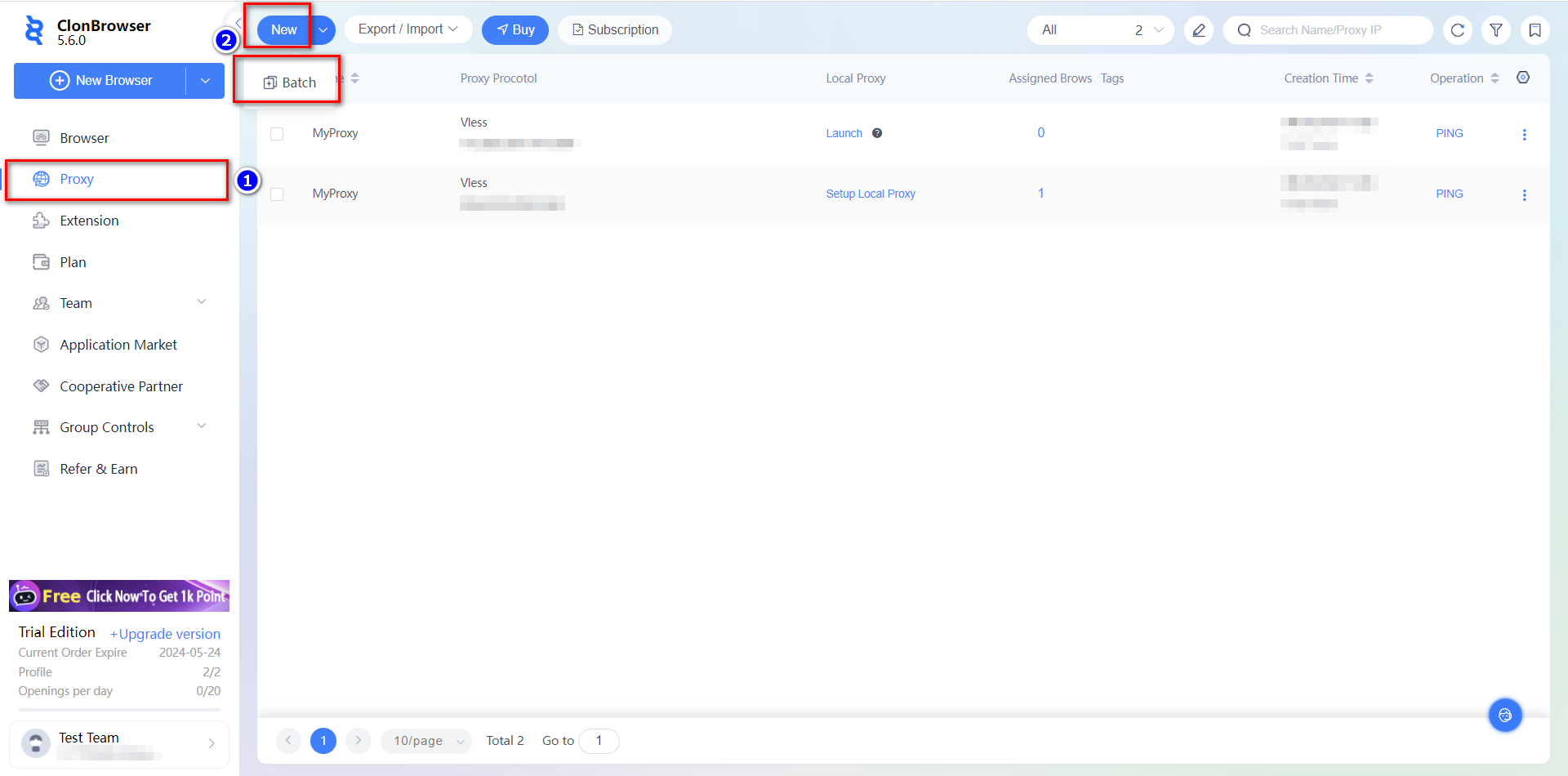
Go to the [proxy] page and click [New], or [Batch]. Paste the proxy information as required.
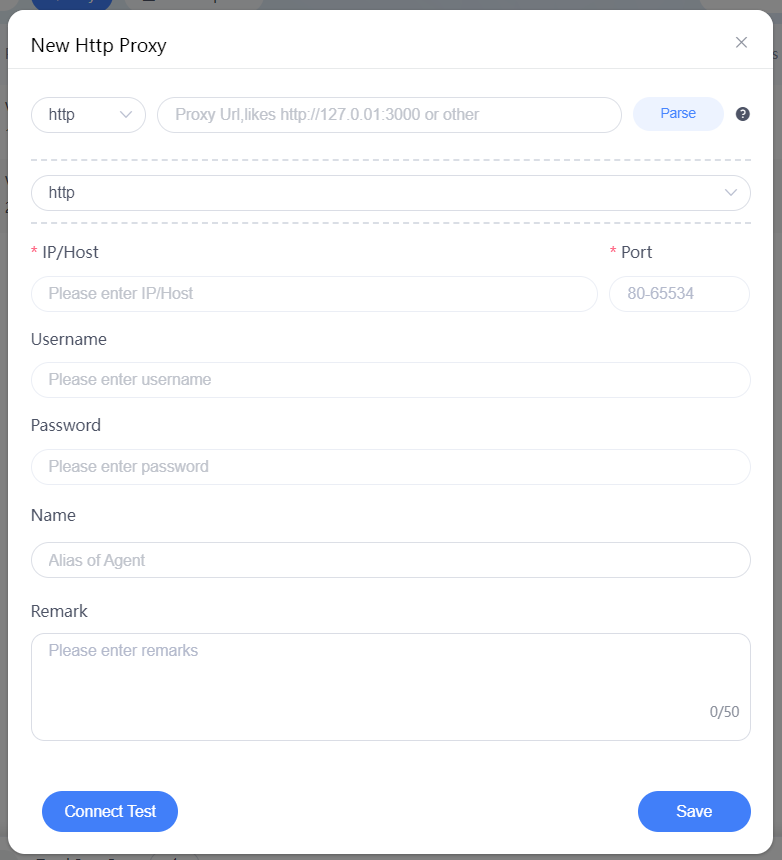
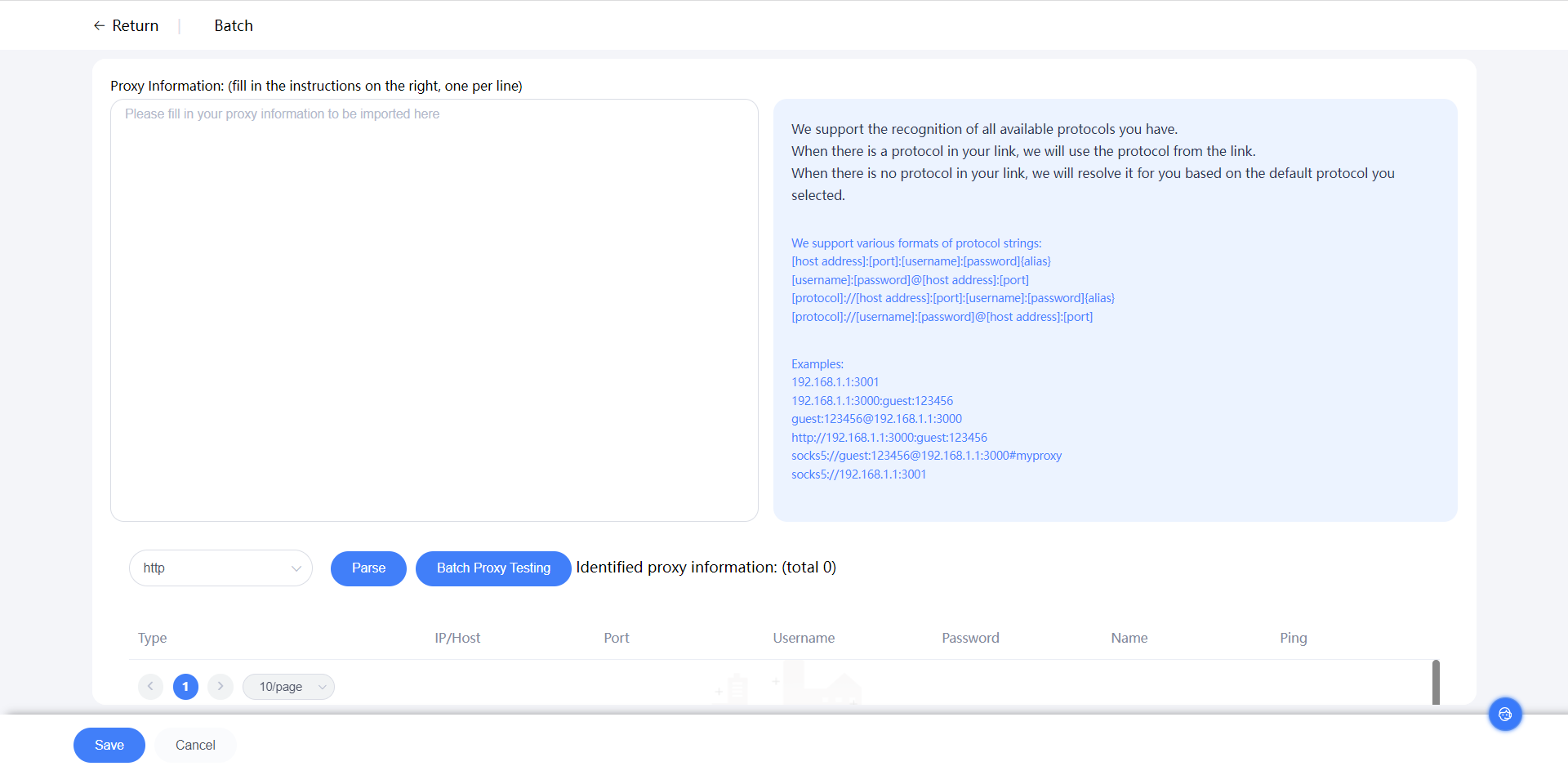
Test if the connection is successful, [Save] to start using your proxy!