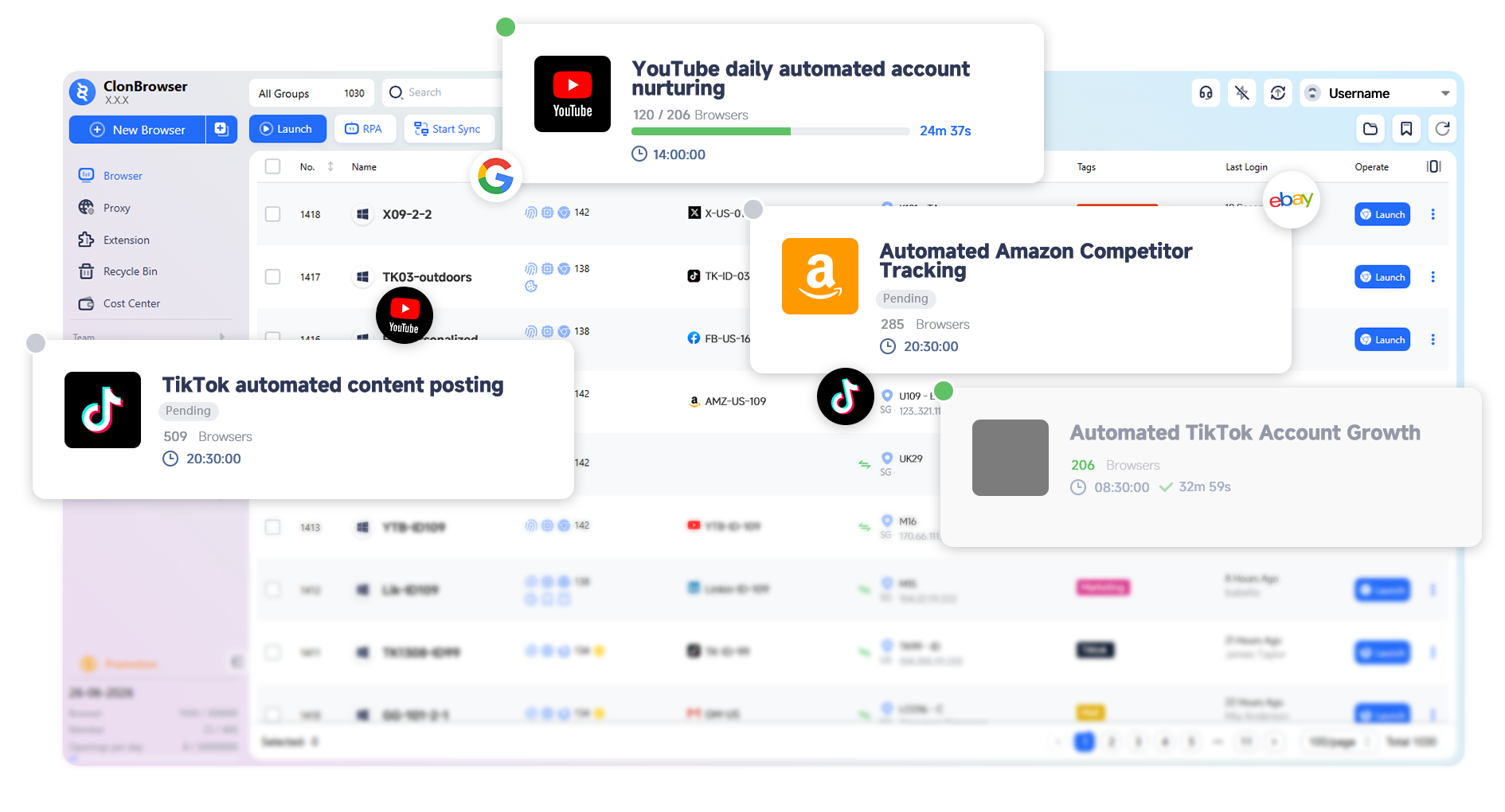
More Than a Browser — An Automation Business System
ClonBrowser is evolving from a multi-account fingerprint browser into an automation browser.
Through workflow-driven task scheduling, account operations and business processes are upgraded from manual labor to sustainable automated systems.


Automation Workflow
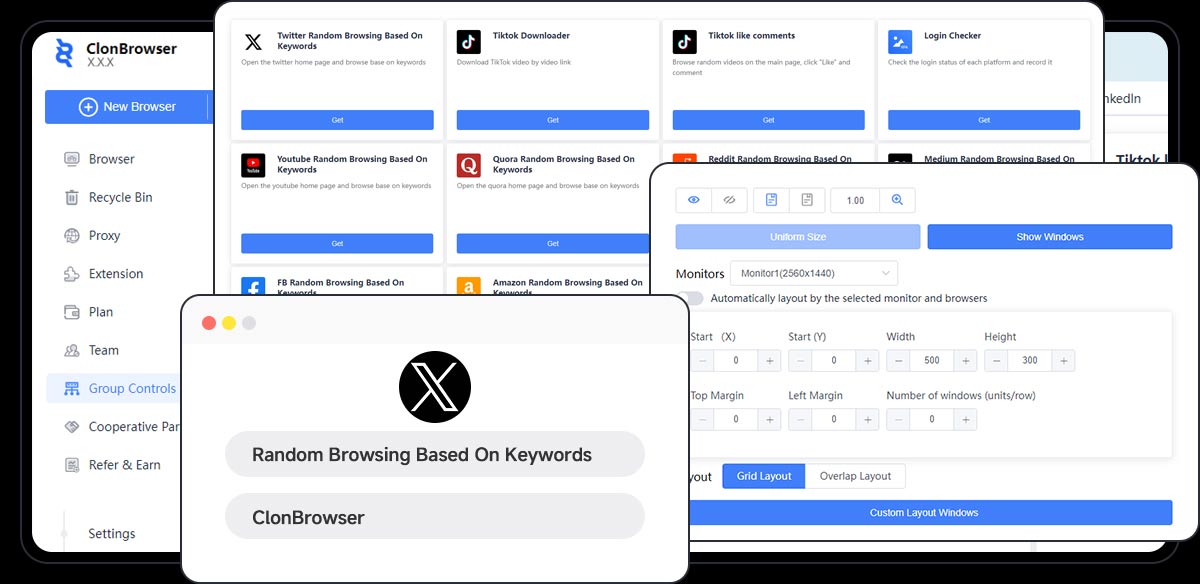
No more manual step-by-step operations. Workflow-driven automation transforms a series of actions into sustainable automated tasks.
From account operations to data processing, every process can be built, reused, and scaled for reliable automation.
Evolve from "manual clicks" to "automated execution"

Multi-Environment Engine
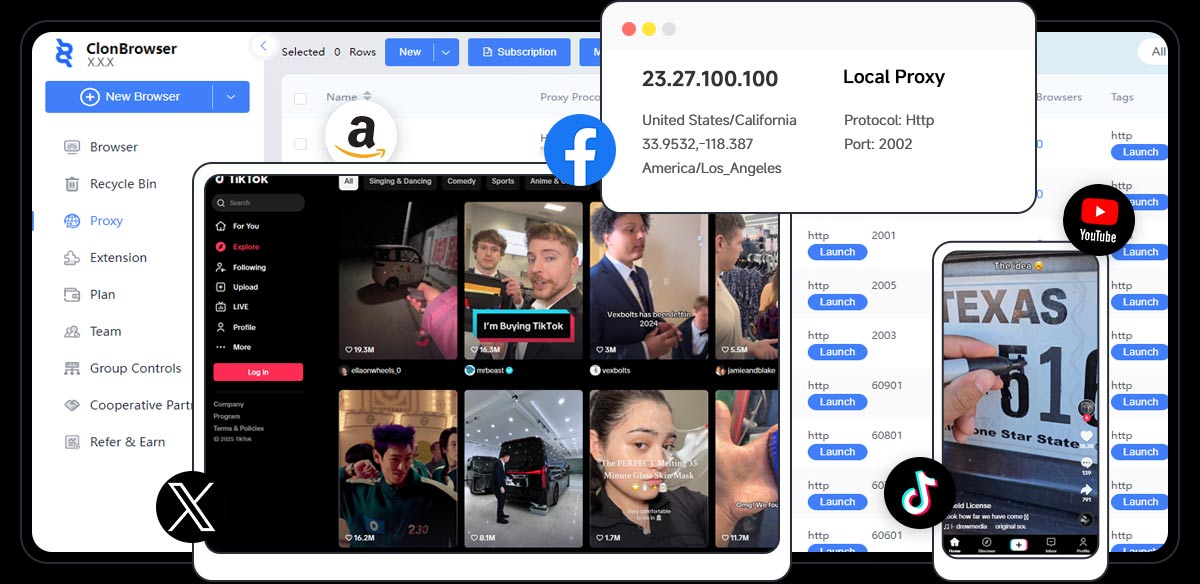
Provides an independent runtime environment for every task, ensuring full isolation of account behavior, data, and device characteristics.
Maintains stability and consistency even during large-scale automated execution.
Every task runs in its own real user environment

Batch Task Scheduling
All automated tasks connect to a unified scheduling system for batch execution, policy control, and runtime management.
Easily scale account operations, process data in bulk, and monitor status — dramatically boosting overall efficiency.
Evolve from "one-by-one operations" to "system-level parallel execution"

Data & Collaboration
Integrate task execution, data results, and team collaboration for multi-device, multi-member data sync and unified management.
Elevate automation from a personal tool to a team-level business system, continuously amplifying overall efficiency.
Make automation not just personal, but a team capability
Leading Environment Isolation
& Fingerprint Simulation
Every automated task runs in an independent, real browsing environment, simulating genuine user behavior and device characteristics.
This requires different devices, locations, software, and other parameters — collectively known as 'fingerprints'.
- Operating system
- CPU, GPU, RAM
- Screen Object
- Installed fonts
- Languages
- Navigator
- Window
- Timezone
- Geo Location
- WebRTC
- Canvas image
- WebGL image
- Browser Plugins
- Audio context
- Battery

Meet the New ClonBrowser
Evolving from fingerprint browser to automation browser
Simulate real user behavior through automated workflows — browsing, dwell time, interactions — allowing accounts to “grow” in a stable environment and effectively reduce risk flags.
Shift from “manual nurturing” to “long-term automated operation”
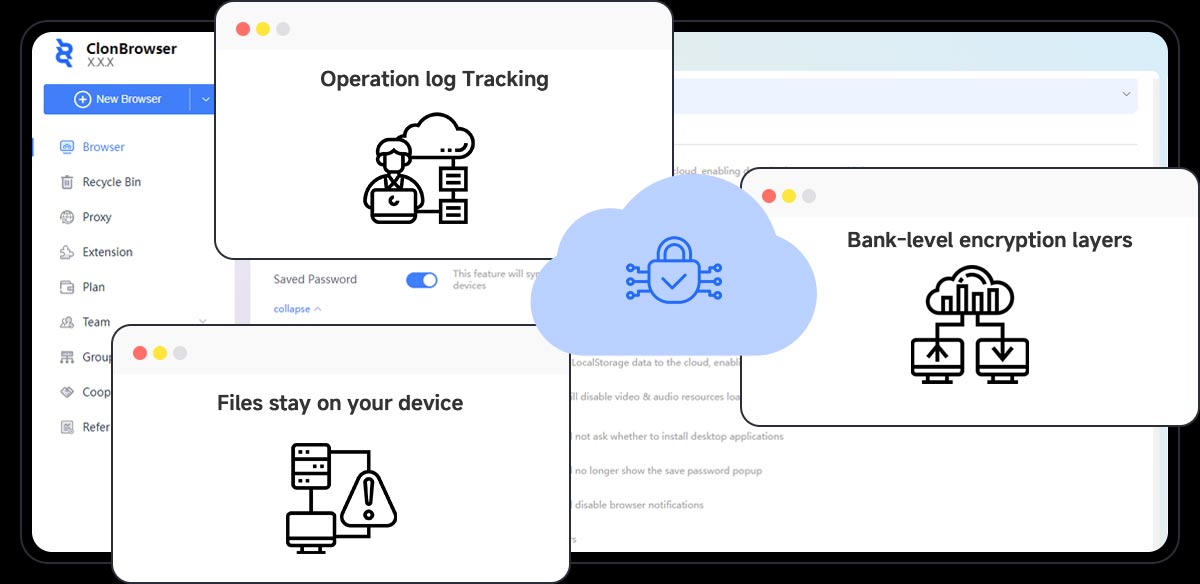
Automatically log into accounts regularly to check status, risk warnings, permission changes, and trigger alerts when anomalies are detected — preventing risks from escalating.
Detect risks early, not after damage is done
Continuously collect platform data through automated processes — content, user behavior, market insights — building your own data intelligence system.
Transform data acquisition from “manual collection” to “continuous output”
Automatically track competitor account content, engagement trends, and strategy adjustments — get market insights first.
React faster than your competitors
Automation-Driven Core Capabilities
ClonBrowser provides a complete multi-account automation infrastructure
from automated execution to environment isolation and data security — boosting both efficiency and safety.


Your Growth Engine
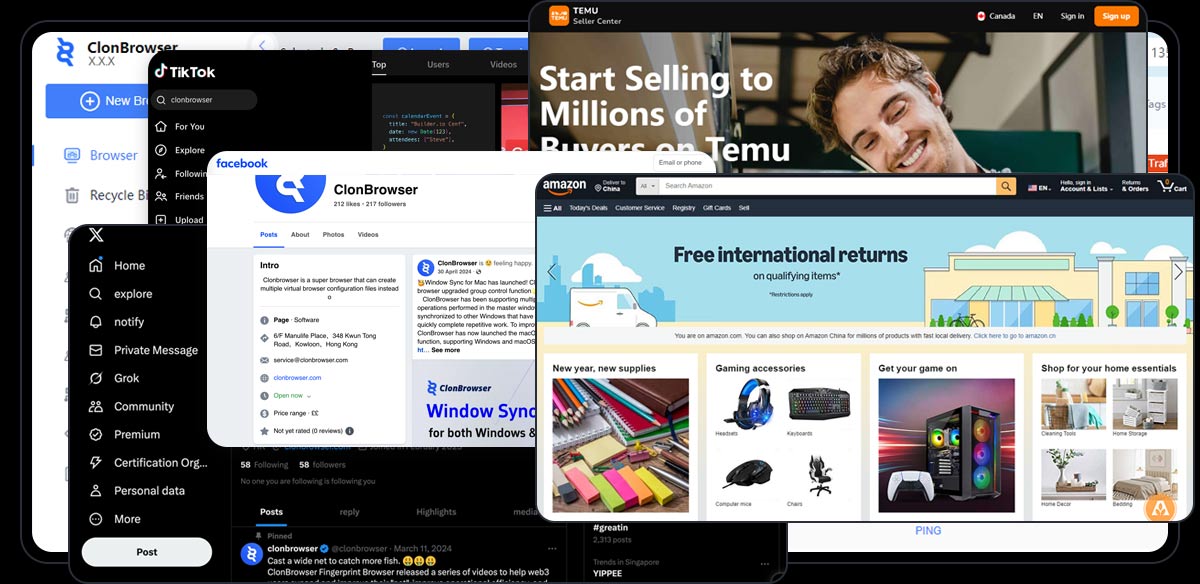
ClonBrowser effortlessly handles multi-account operations on any website — Facebook, X, Gmail, Amazon, TikTok, and more
-
200,000 +
Users Choose ClonBrowser
-
500 M+
Automation Tasks Run
-
1000 +
Platforms Supported
-
10 x
Efficiency Boost

Why Professional Teams
Choose ClonBrowser
Automation browser — from manual to automatic, multiplying efficiency
-
We absolutely love ClonBrowser's RPA functionality. It has dramatically improved our sales team's efficiency, enabling us to gather product review data much faster. No more manual copy-pasting — we get the data we need quicker and save a ton of time.
 MiaSales Manager
 -
This is an excellent piece of software. As a cross-border e-commerce professional, I've used many browsers to manage my stores and products, but I ultimately chose ClonBrowser. Its multiple encryption algorithms keep my store and product information secure. Multi-account login and account management make it easy to operate on Amazon, eBay, and other platforms.
 LucasE-commerce Professional
 -
I love using ClonBrowser for my Web3 work. Its fingerprint browser capabilities are incredibly powerful, allowing me to switch between accounts freely while protecting my online privacy and security. ClonBrowser also supports Web3 platforms, making it easy to trade and manage my digital assets on the Ethereum network.
 IsabellaWeb3 Professional
 -
After years at Facebook, ClonBrowser has become an indispensable tool in my work. It offers multi-account login so I can manage multiple Facebook accounts simultaneously without worrying about bans. Its anti-tracking features let me browse and interact freely, reducing unnecessary hassle.
 NoahSocial Media Manager
FAQ
Got questions? We've got answers!Q. What is a fingerprint browser?

A fingerprint browser (also known as an anti-detect browser) is an anonymous browser designed to minimize websites' and tracking systems' ability to identify and track your digital fingerprint. These undetectable browsers employ various techniques to mask or alter browser fingerprints. After fingerprint spoofing, you can act like a real person, making it hard for websites or online platforms to identify you and keeping your multiple accounts secure.
Q. What's the difference between ClonBrowser and traditional fingerprint browsers?
ClonBrowser is an automated fingerprint browser with complete multi-account environment isolation and automation capabilities. It transforms manual operations into automated task workflows, enabling batch execution and unattended operation — an upgraded version built for business automation.
Q. Is it free to use?
We offer a free trial with basic features. Depending on usage scale and feature requirements, we also provide various paid plans to accommodate individuals and teams.
Q. How do I use automation?
Browse the script marketplace, choose a suitable automation script, bind it to a browser environment, and run it.
Q. Can scripts be customized?
Yes. Scripts can be customized for specific business needs, or adjusted based on existing scripts to suit different automation scenarios.
Q. Does it support team collaboration and permission management?
Yes. It offers member permission control and resource sharing capabilities for smooth team collaboration.
Automate from Today
Start your first automation task for free