How to create a new browser environment#
Overview#
In ClonBrowser, the browser environment is the core management unit. A browser environment typically includes:
- Independent browser fingerprint
- Independent proxy configuration
- Independent Cookie and cache data
- Hostable account information
Step-by-step Instructions#
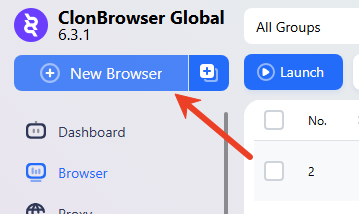
Click the 「New Browser」 button in the top-left corner of the main interface.
1. Basic Settings#
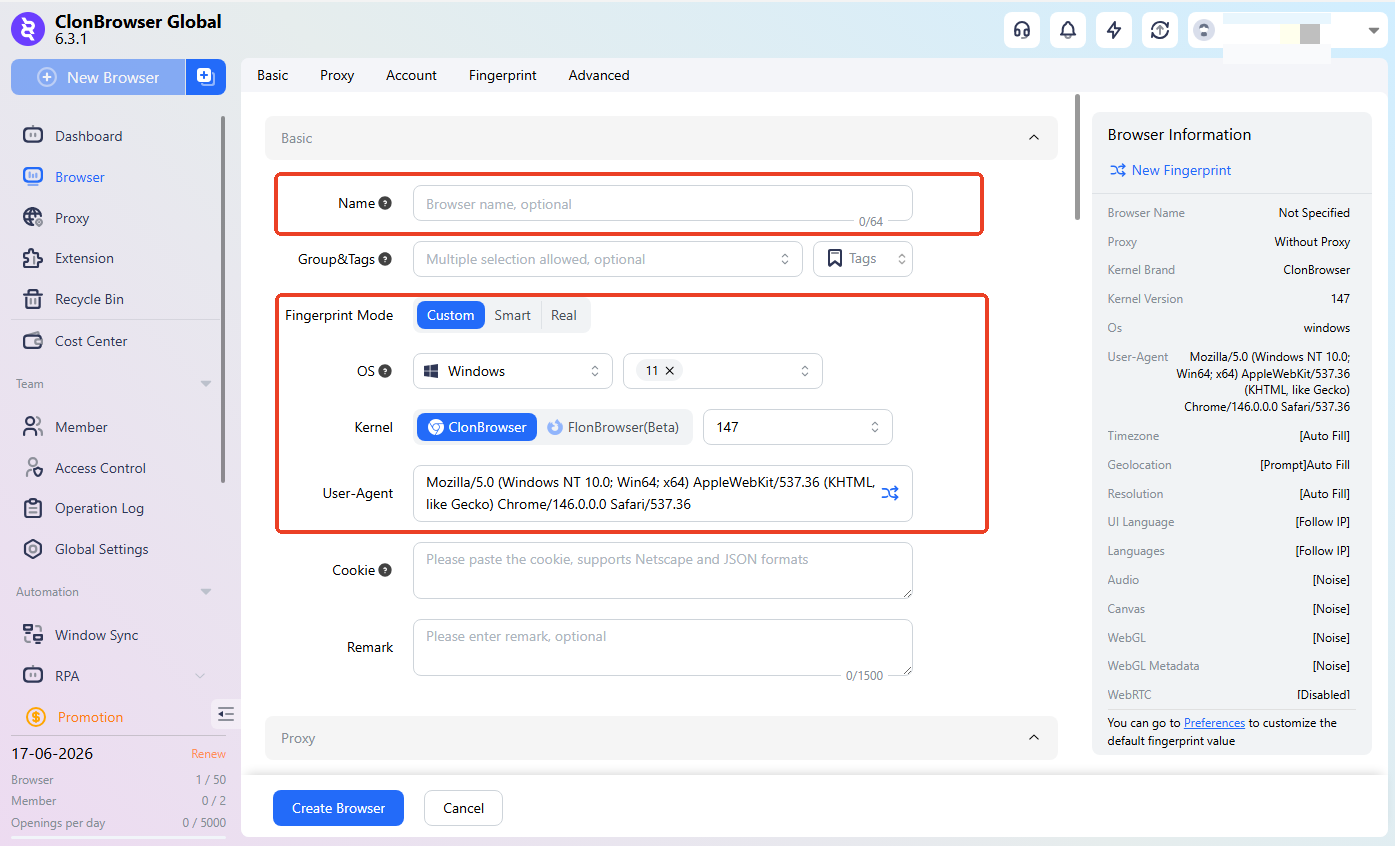
Set an easily identifiable environment name (optional, e.g., AMZ 01, TK-US-01). Environment basic parameters (keep default unless you have specific needs).
2. Proxy Settings#
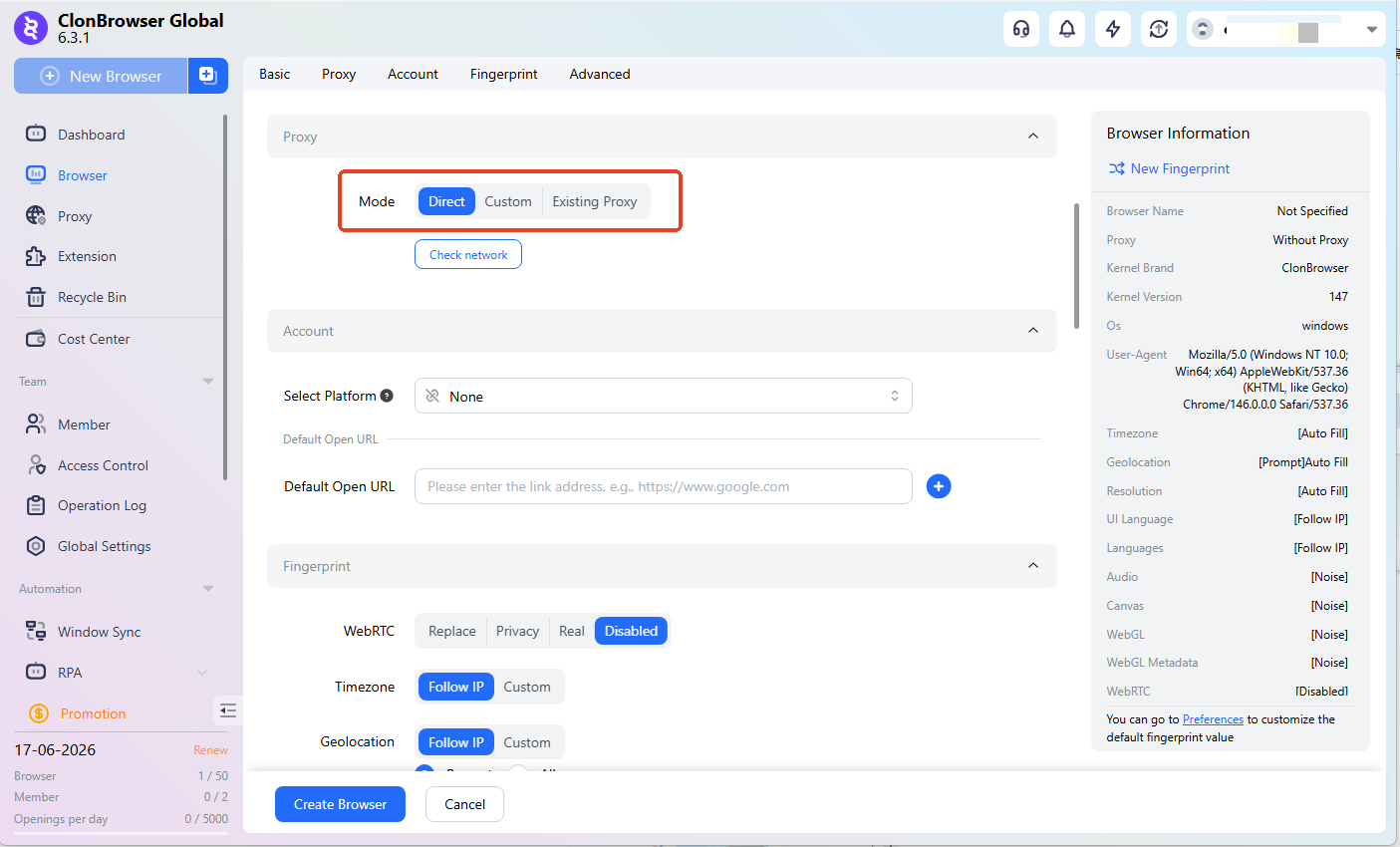
For multi-account use, you typically need to configure an independent environment + independent proxy for each account. If you don’t have a proxy yet, you can select 「Direct Connection」 and reconfigure later.
3. Account Management#
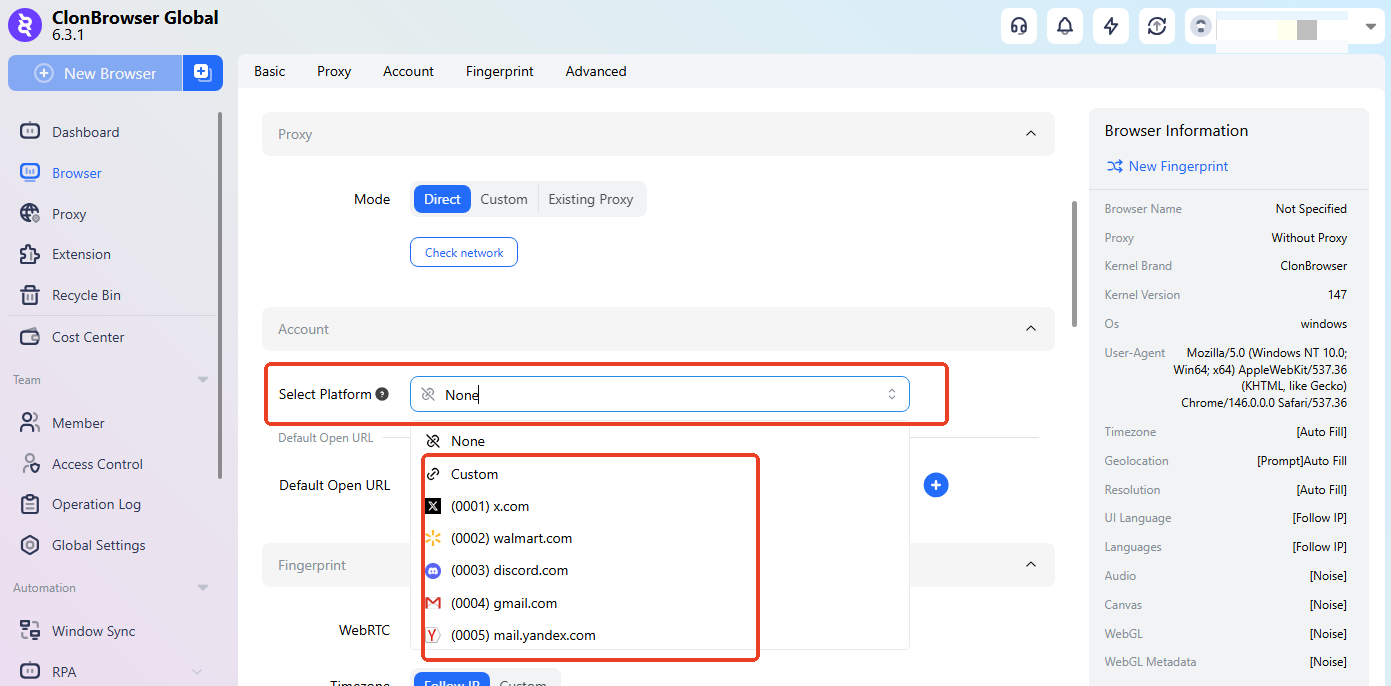
Set the platform you want to access. If you can’t find your platform, select 「Custom Platform」.
4. Fingerprint Settings#
This part is relatively complex. Usually no modification is needed after setting up the proxy. Beginners can skip this. Interested users can click the link: Browser fingerprint configuration guide
5. Advanced Settings#
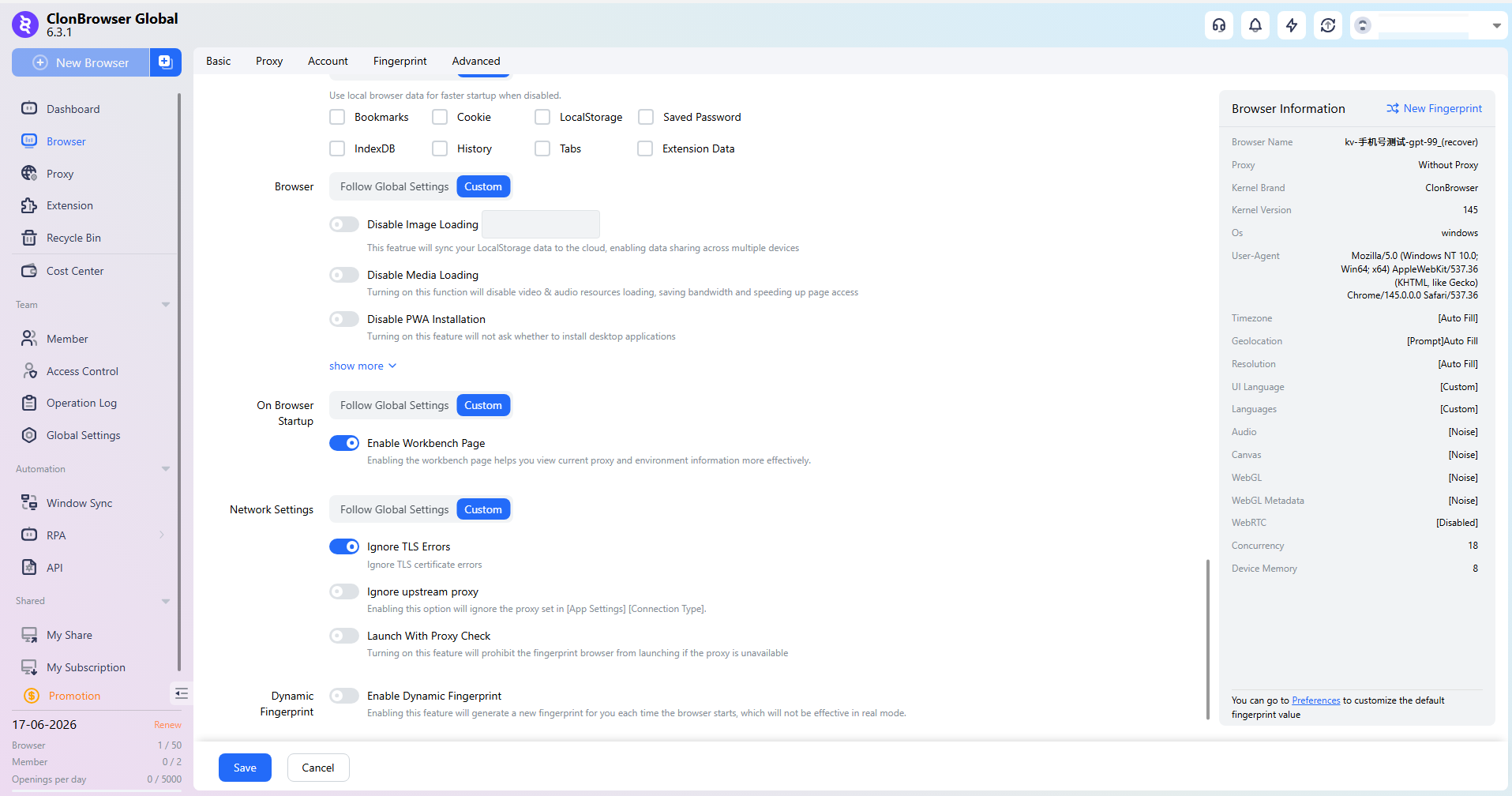
If you want the browser to maintain login state when launched on different devices, you can enable Cookie Sync. Some websites require LocalStorage to be enabled for syncing. Very few websites use IndexDB — it is not recommended to enable this option.
Dynamic Fingerprint: Enabling this will generate a new set of fingerprint information each time before the browser launches. Not effective in real mode.
Exclusive Access: When enabled, the browser can only be launched on one device at a time.
6. Finish Creating#
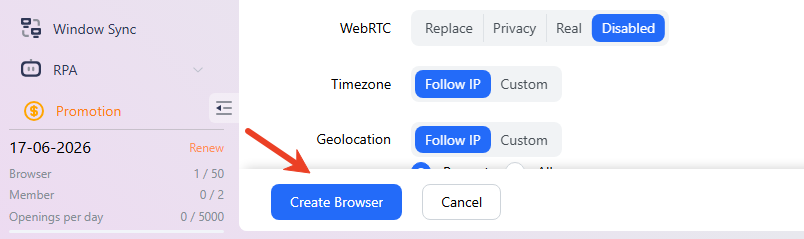
Click the 「Create Configuration」 button at the bottom to finish creating.
FAQ#
1. Can I modify the configuration after creation? Yes. Browser name, proxy, fingerprint, etc., can all be adjusted in the editing page.
2. Do I have to host an account and configure a proxy during creation? Not required. You can create the environment first and then host accounts and configure proxies separately later.
3. Is there a limit on the number of browser environments? The specific limit depends on your current subscription plan. Please check your plan for details.